Guide - How To Create Online Test With AI - 2024
Created by: Quick Quiz AI
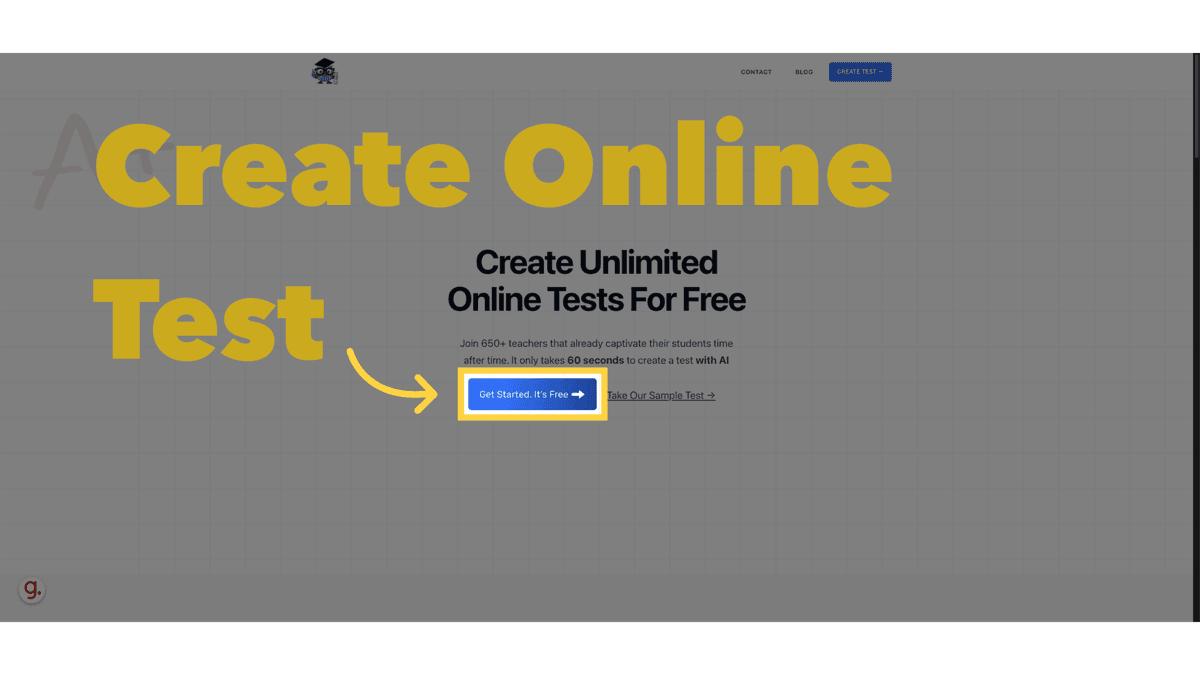
How to create online test with AI
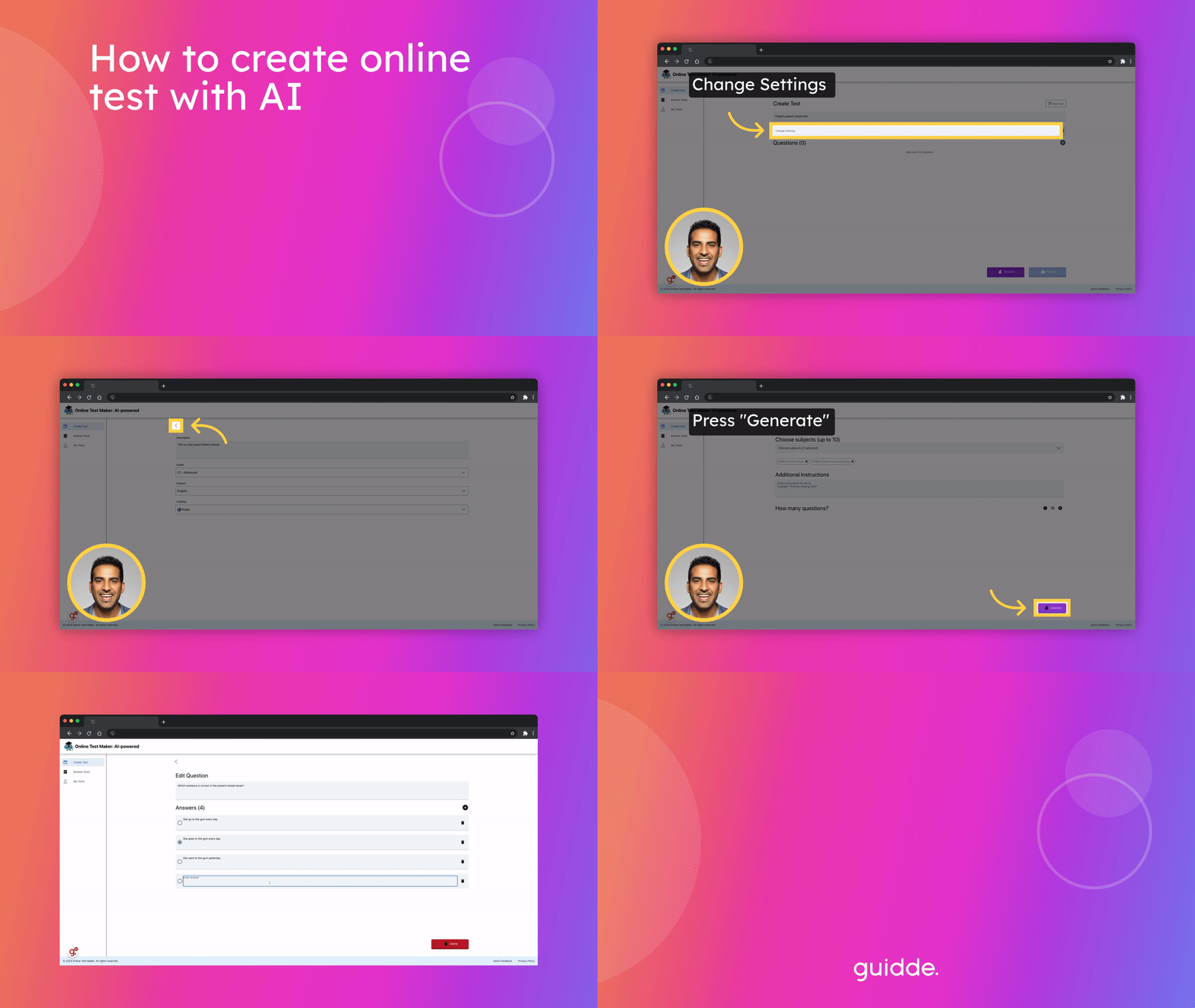
This guide will walk you through creating an online test with AI assistance
Go to www.online-test-maker.com
1. Introduction
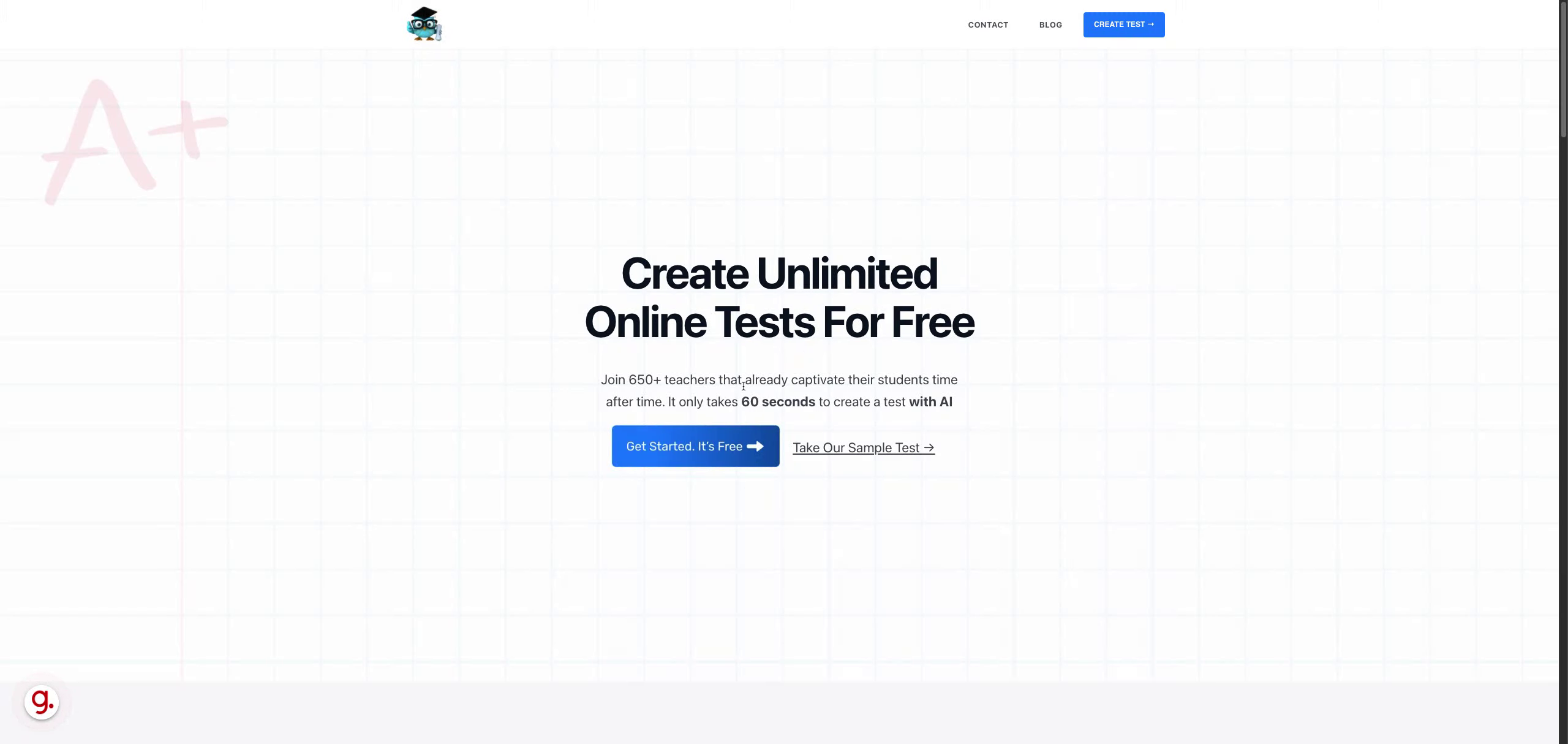
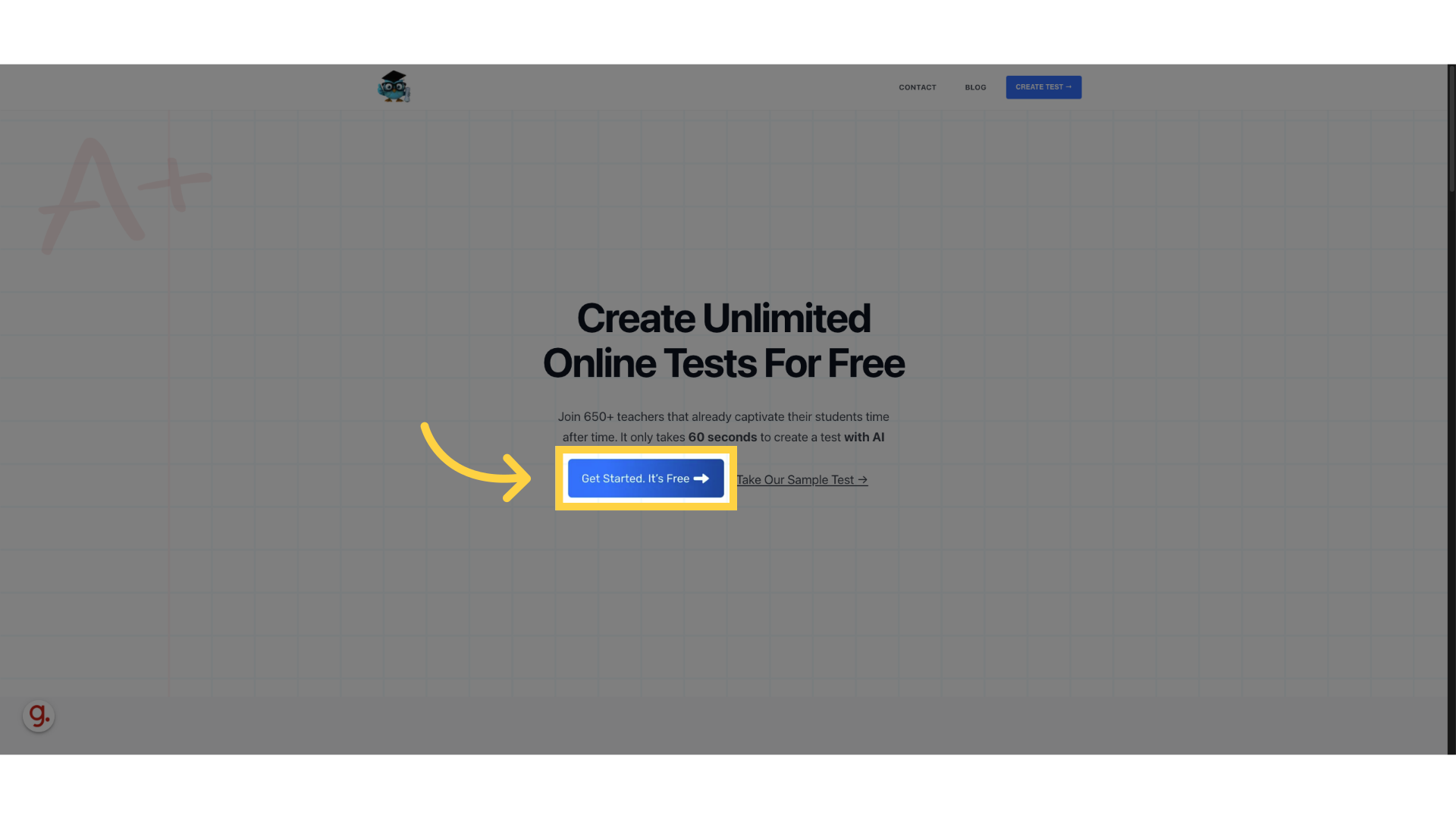
2. Click here
Access the Online Test Maker platform
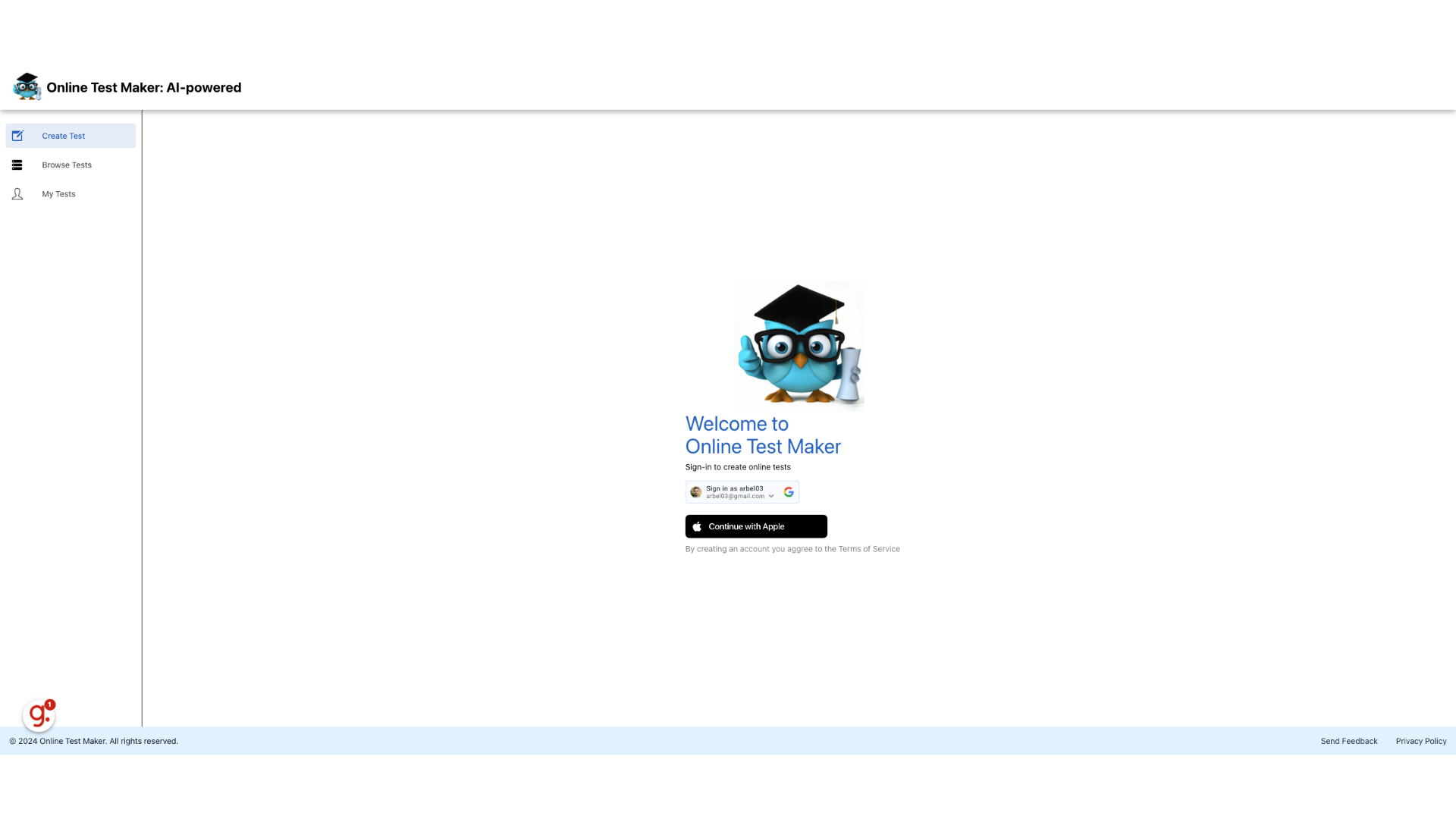
3. Login using your Google or Apple account
Login using your Google or Apple account
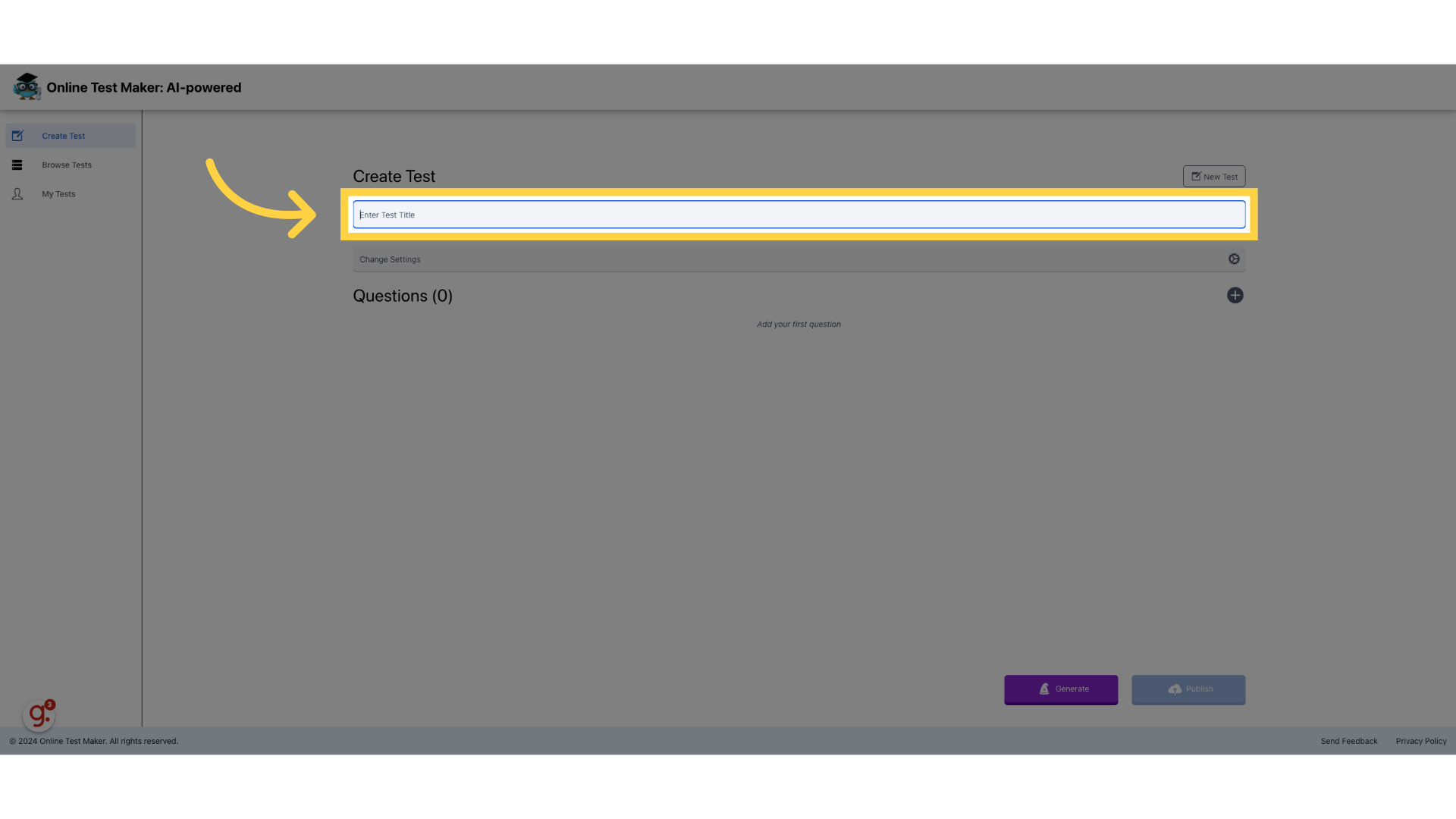
4. Enter Test Title
Provide a title for the test
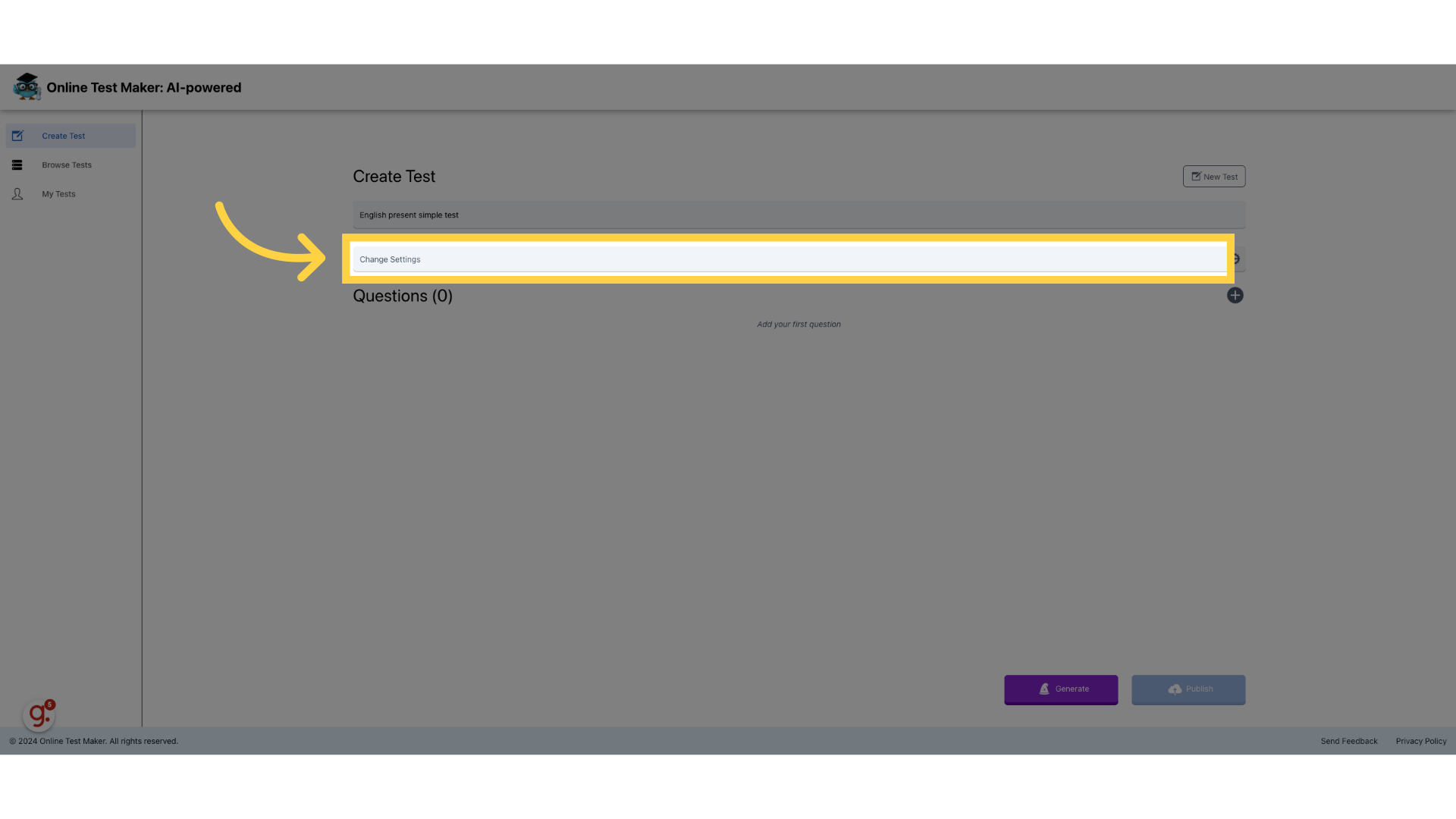
5. Enter a title for the test
We entered "English present simple test"

6. Change Settings
Press Change settings
7. Enter a visible description
Add a description visible to all participants
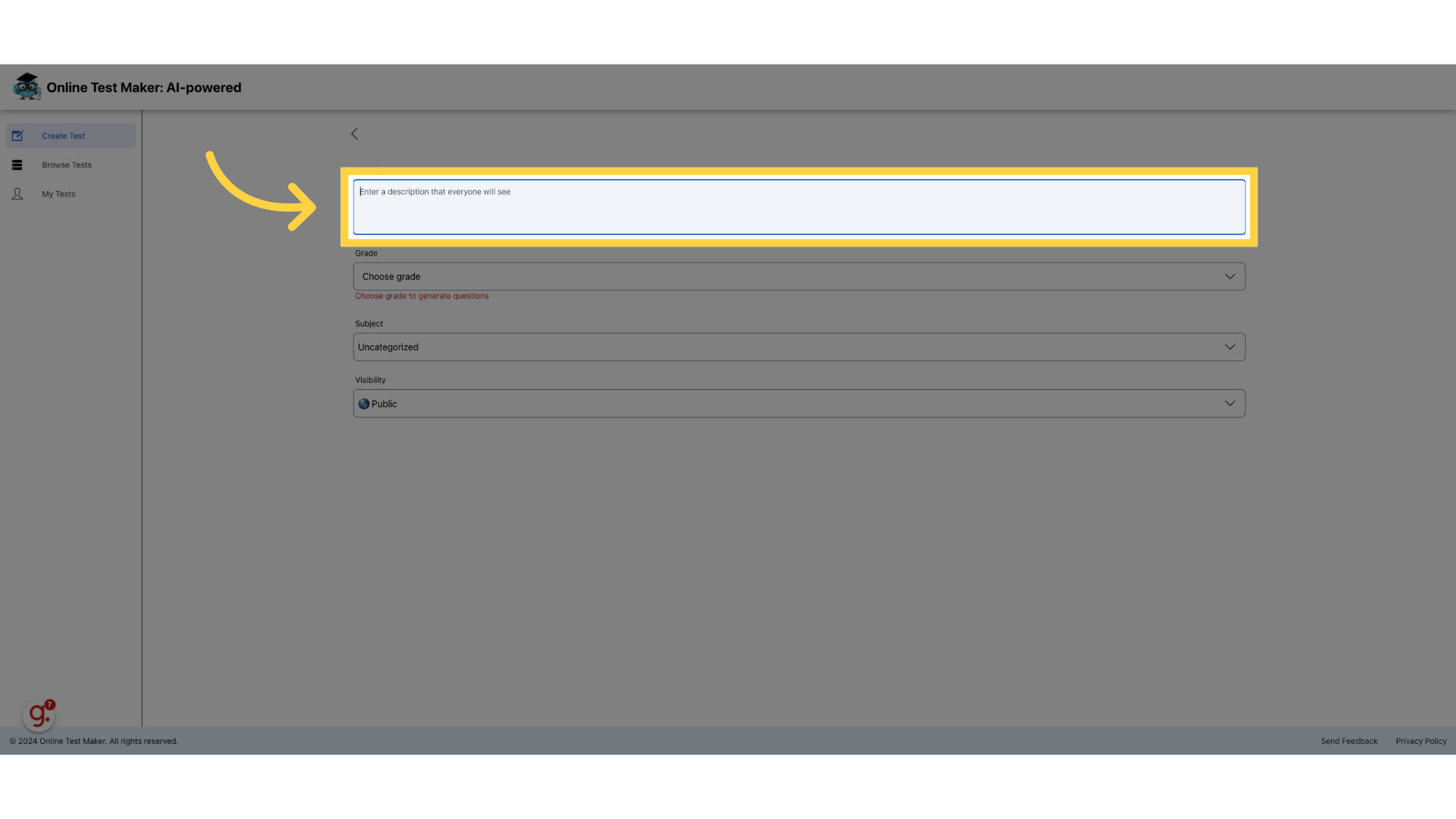
8. Fill "This is a test about Present Simple"
We entered "This is a test about Present Simple" in the provided field
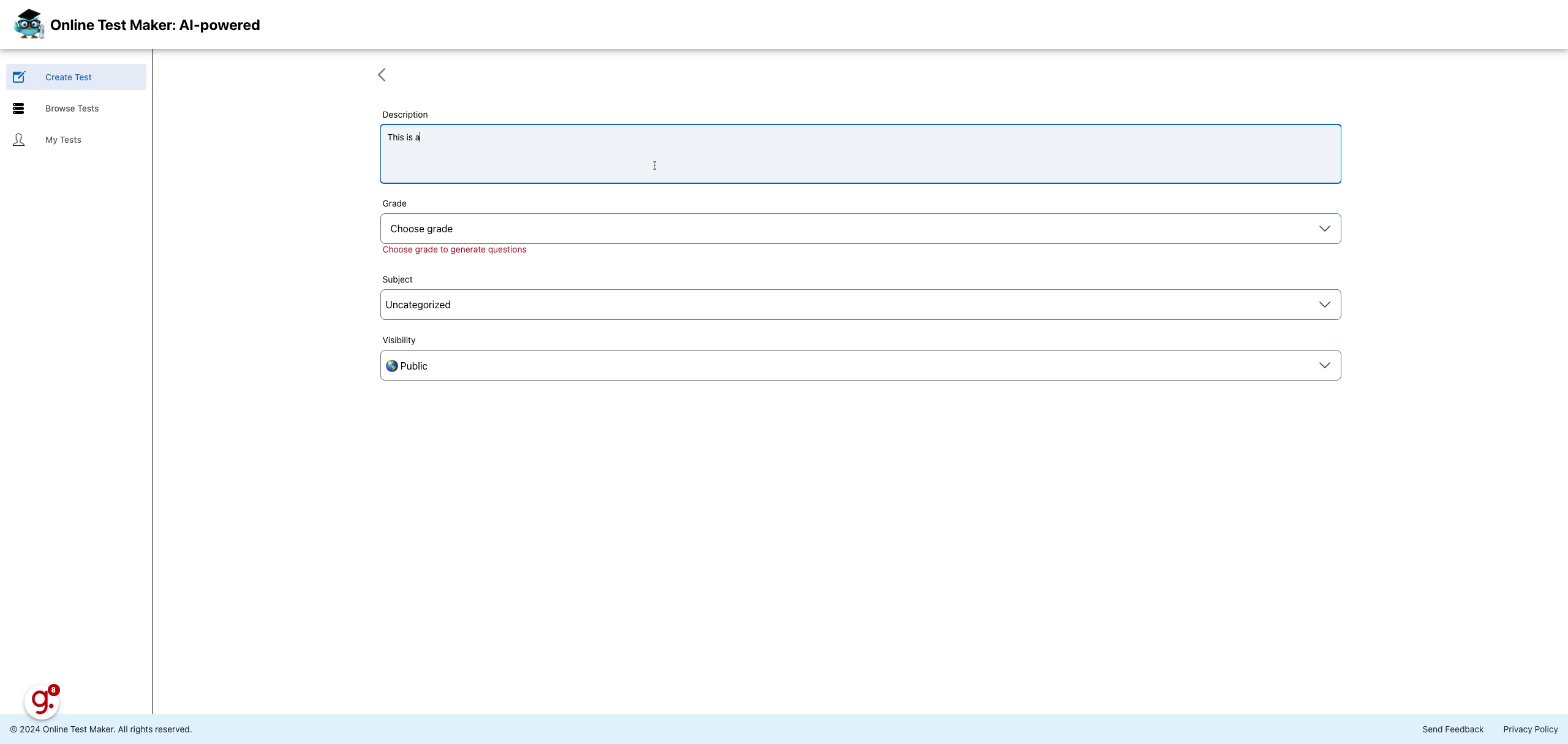
9. Choose Grade
Select the appropriate grade level
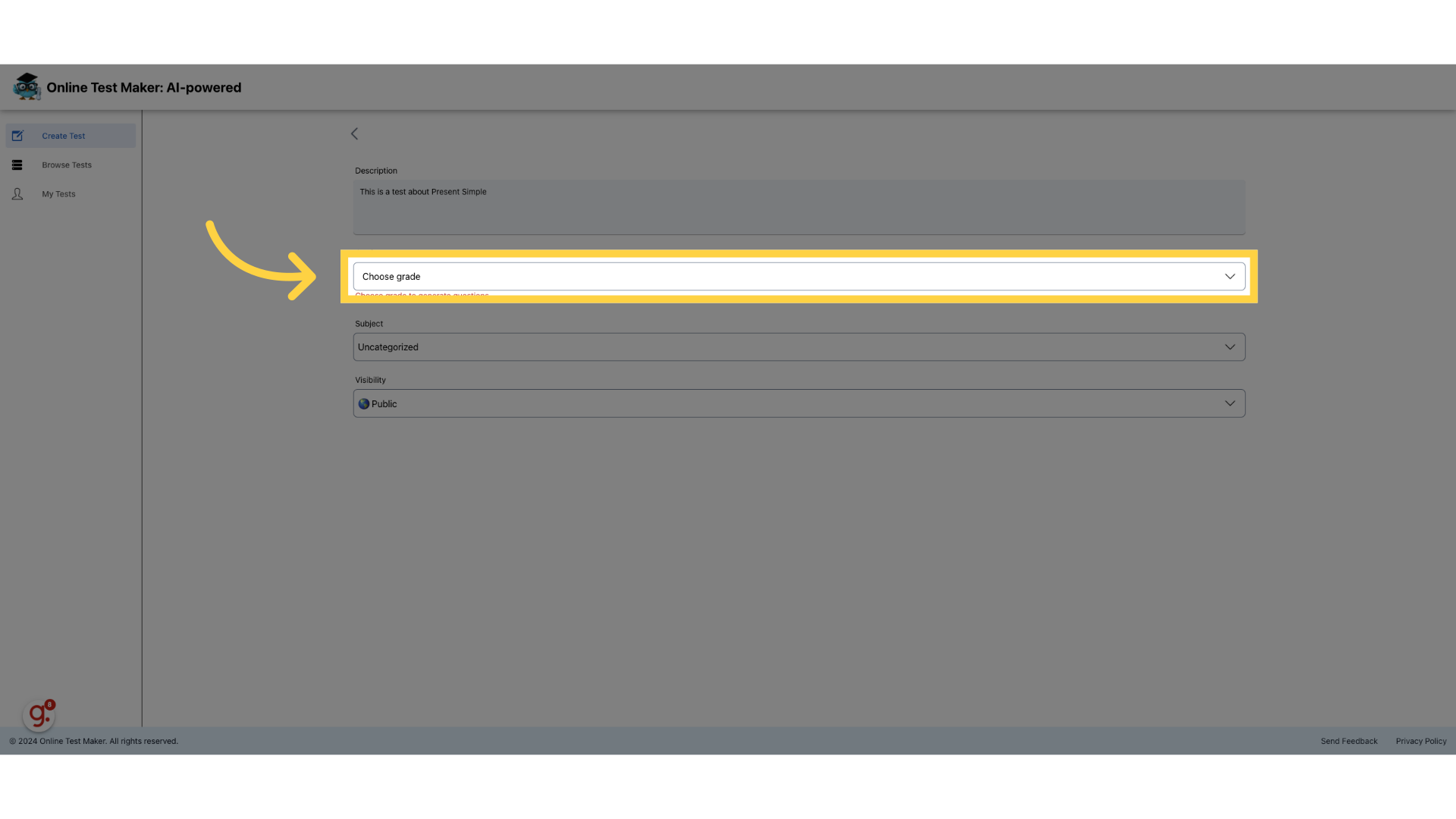
10. We chose "C1 - Advanced" which is a standard English level
We chose the C1 - Advanced option.
11. Choose Category
Select a category for the test
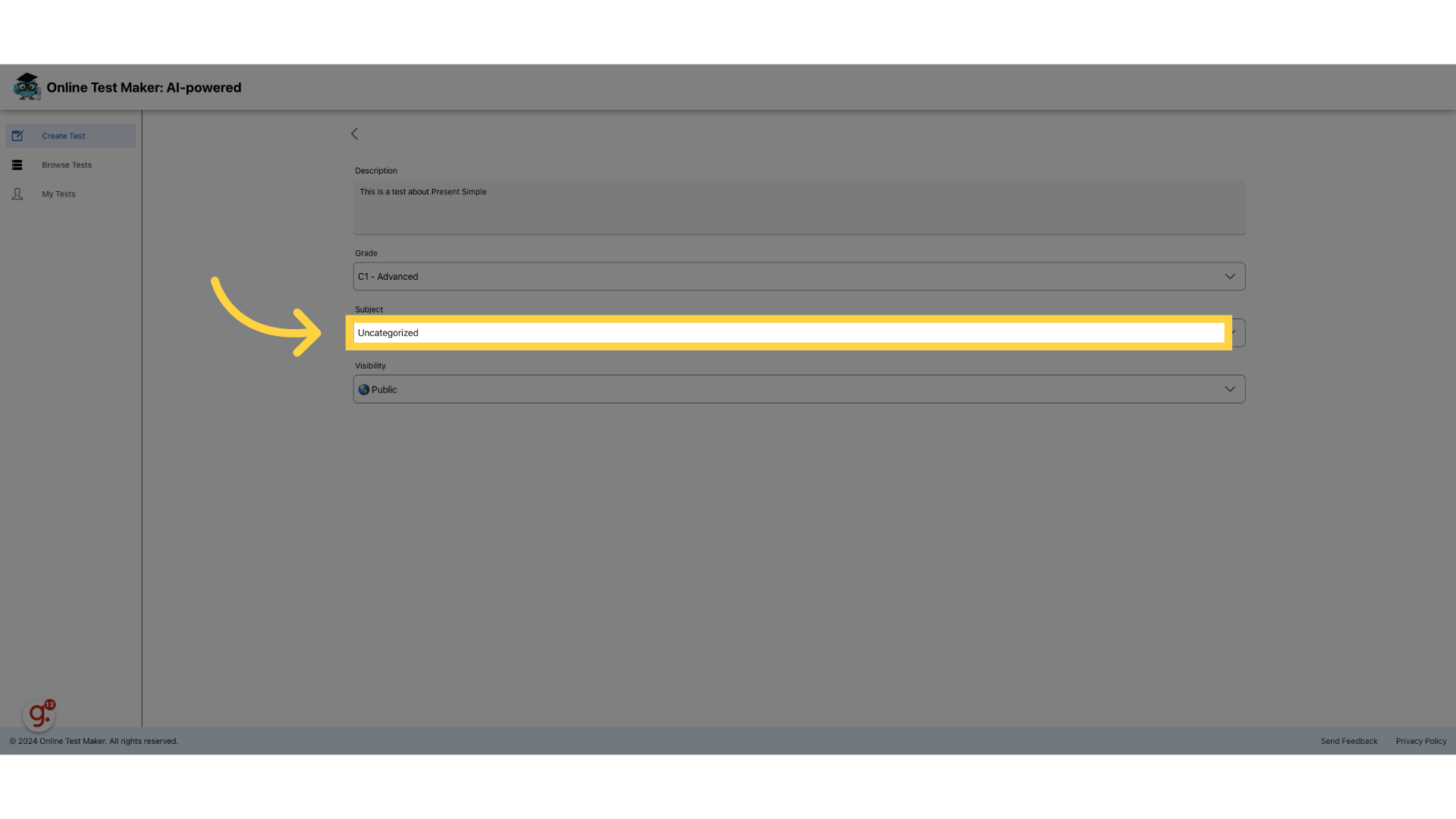
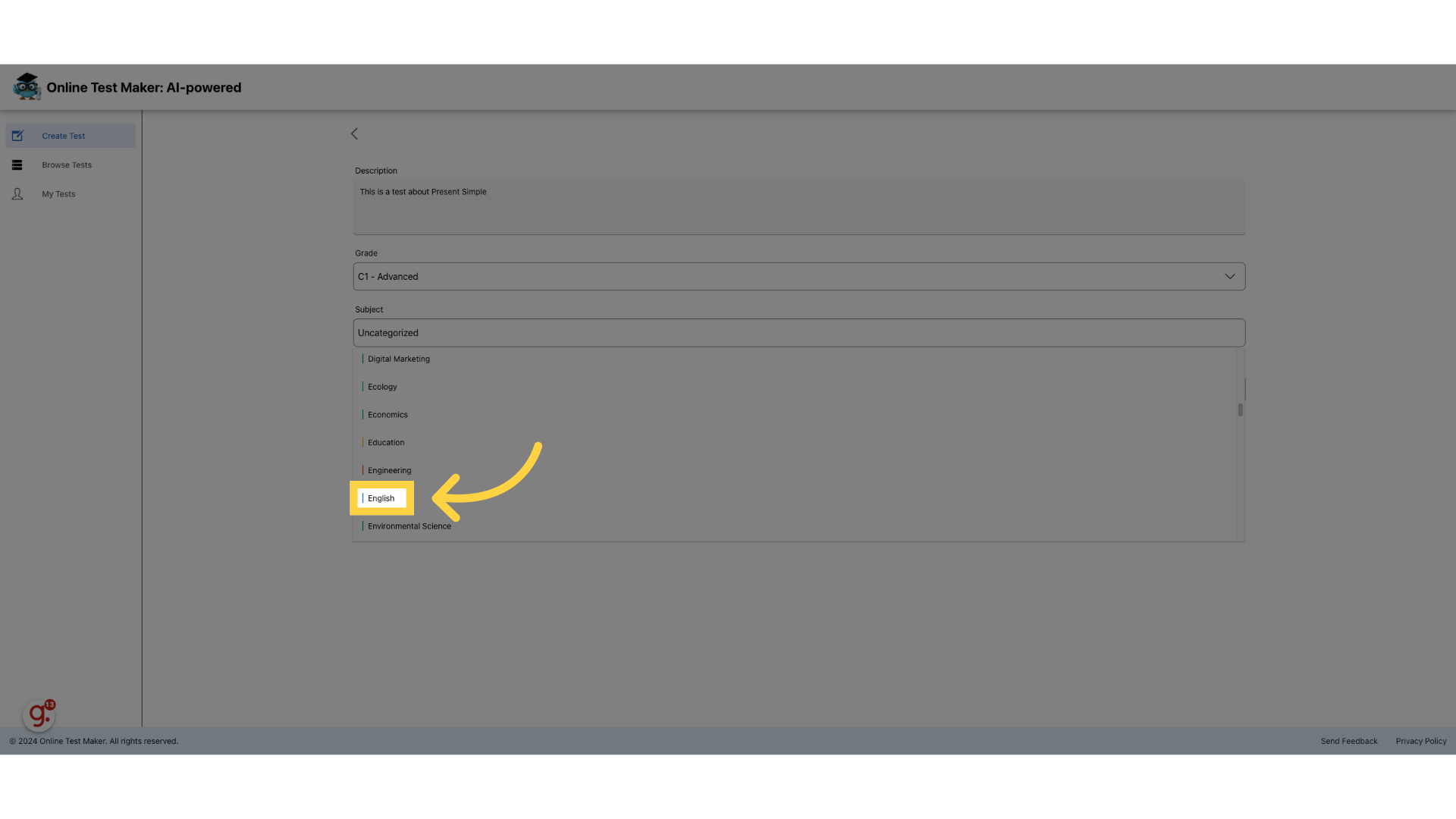
12. For example - "English"
We chose the subject as English.
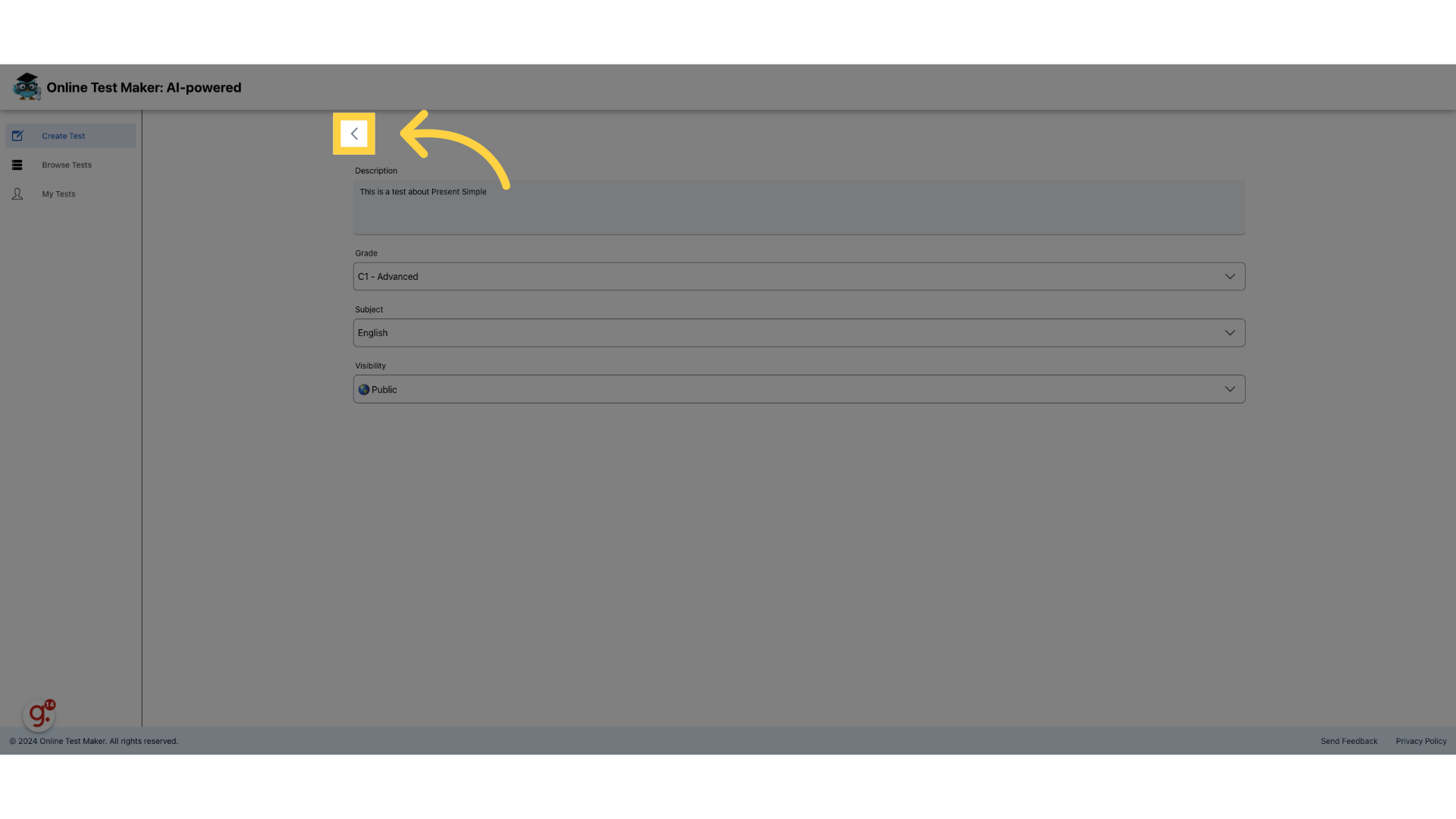
13. Go Back
Go back to the test edit screen
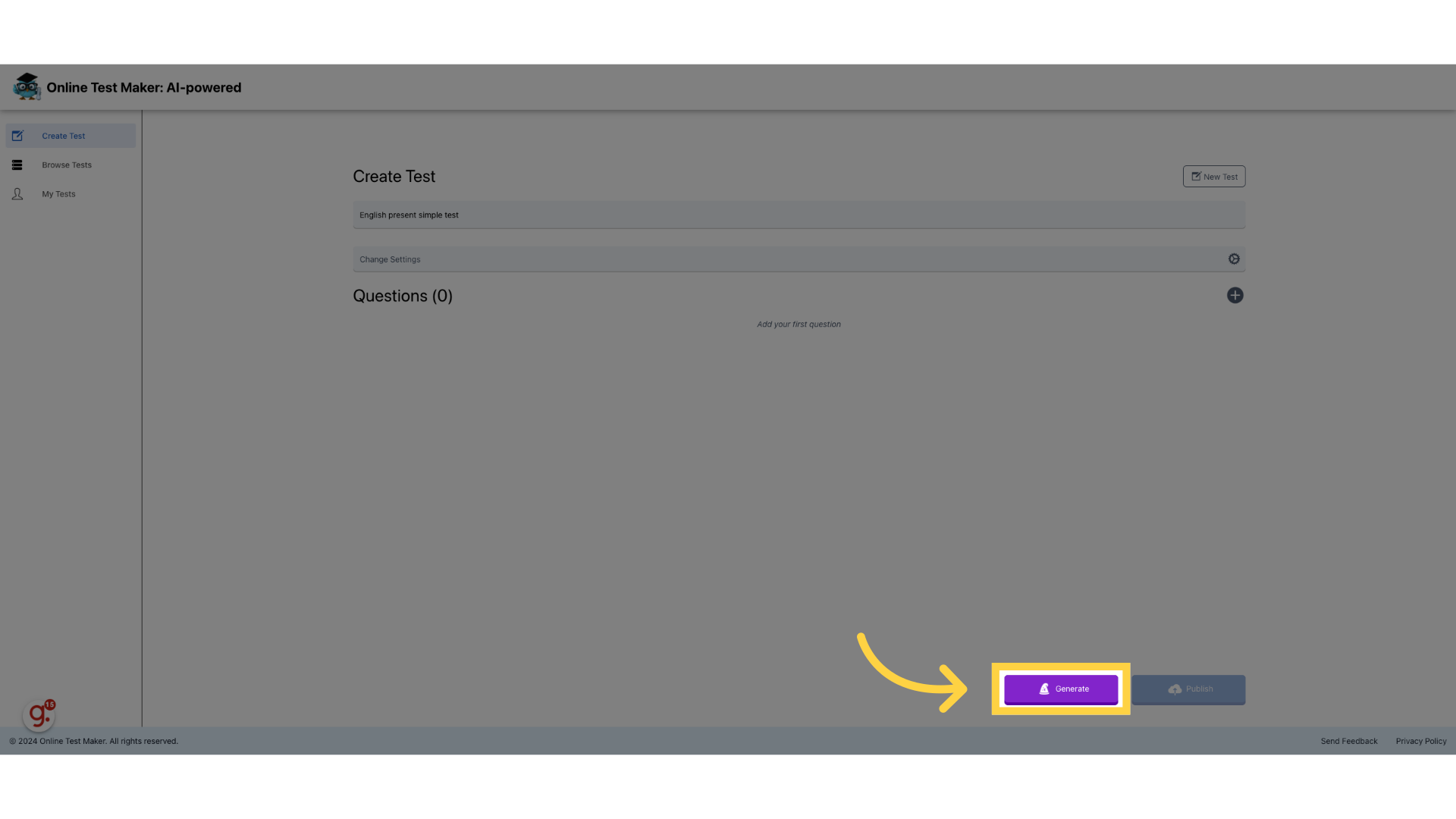
14. Press "Generate"
Click generate to access the AI question generator
15. Choose subjects
Select subjects for the AI.
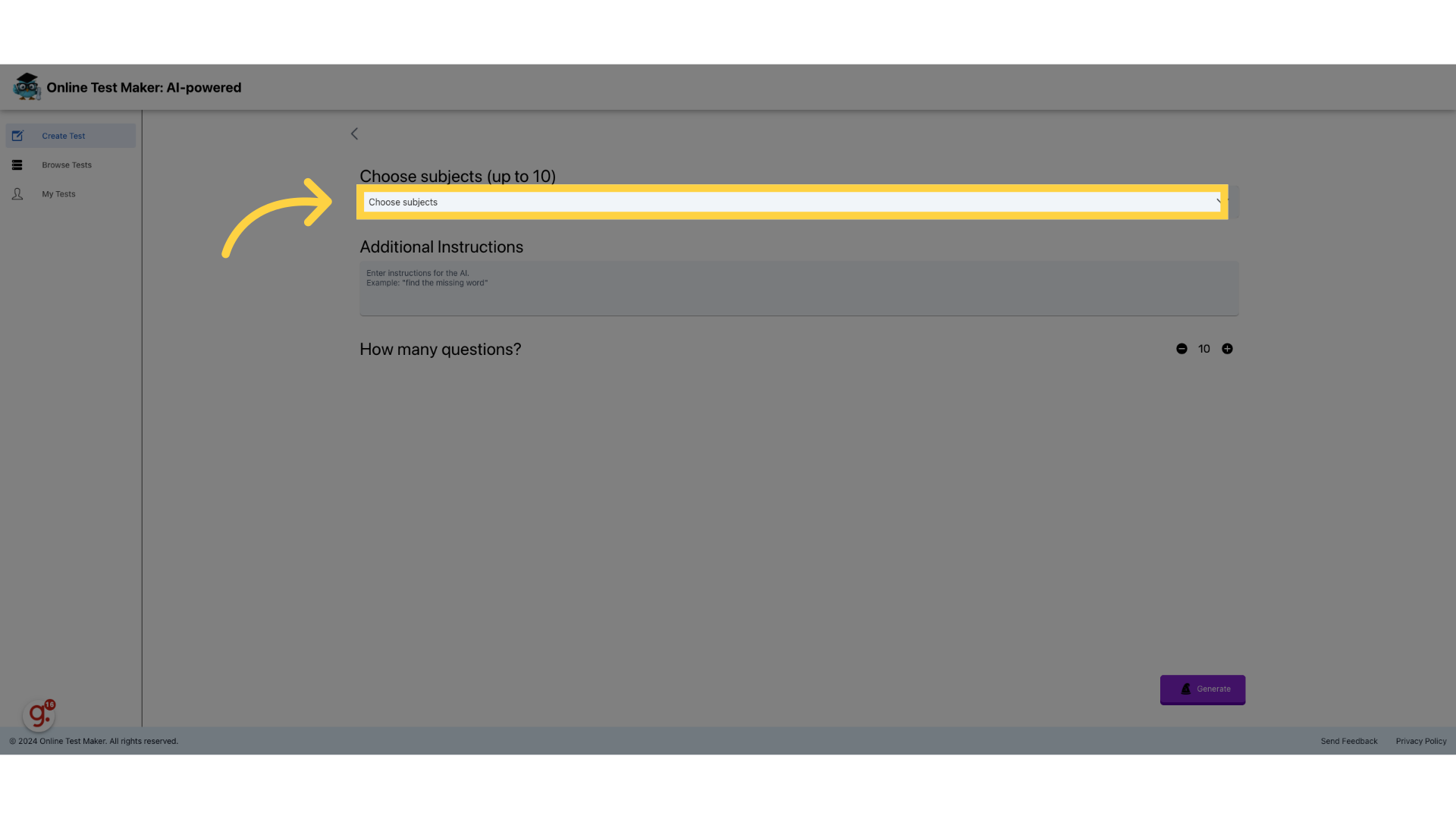
16. Click "Search subject"
You can look for a specific subject.
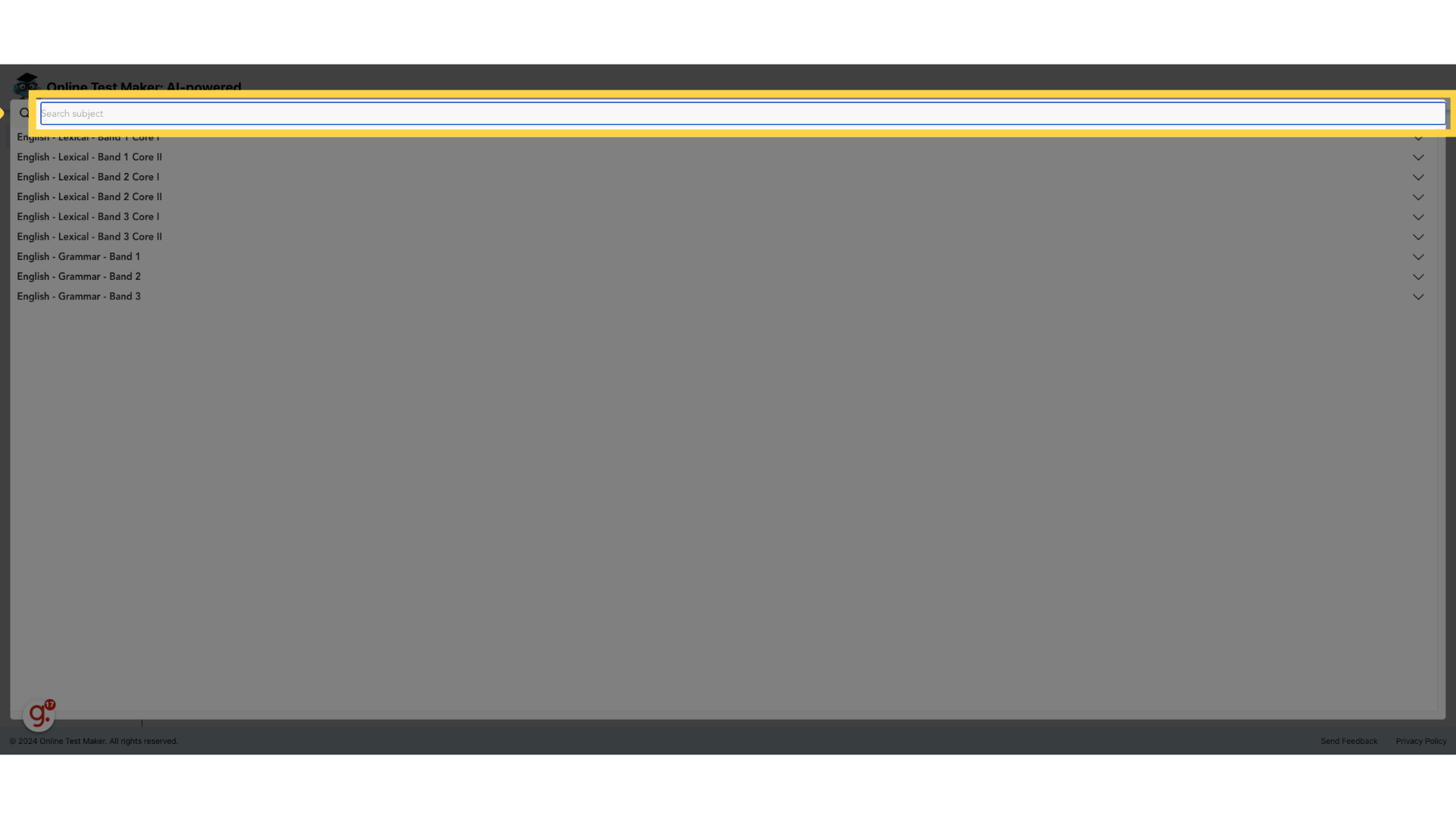
17. Fill "present simple"
We looked for "present simple"
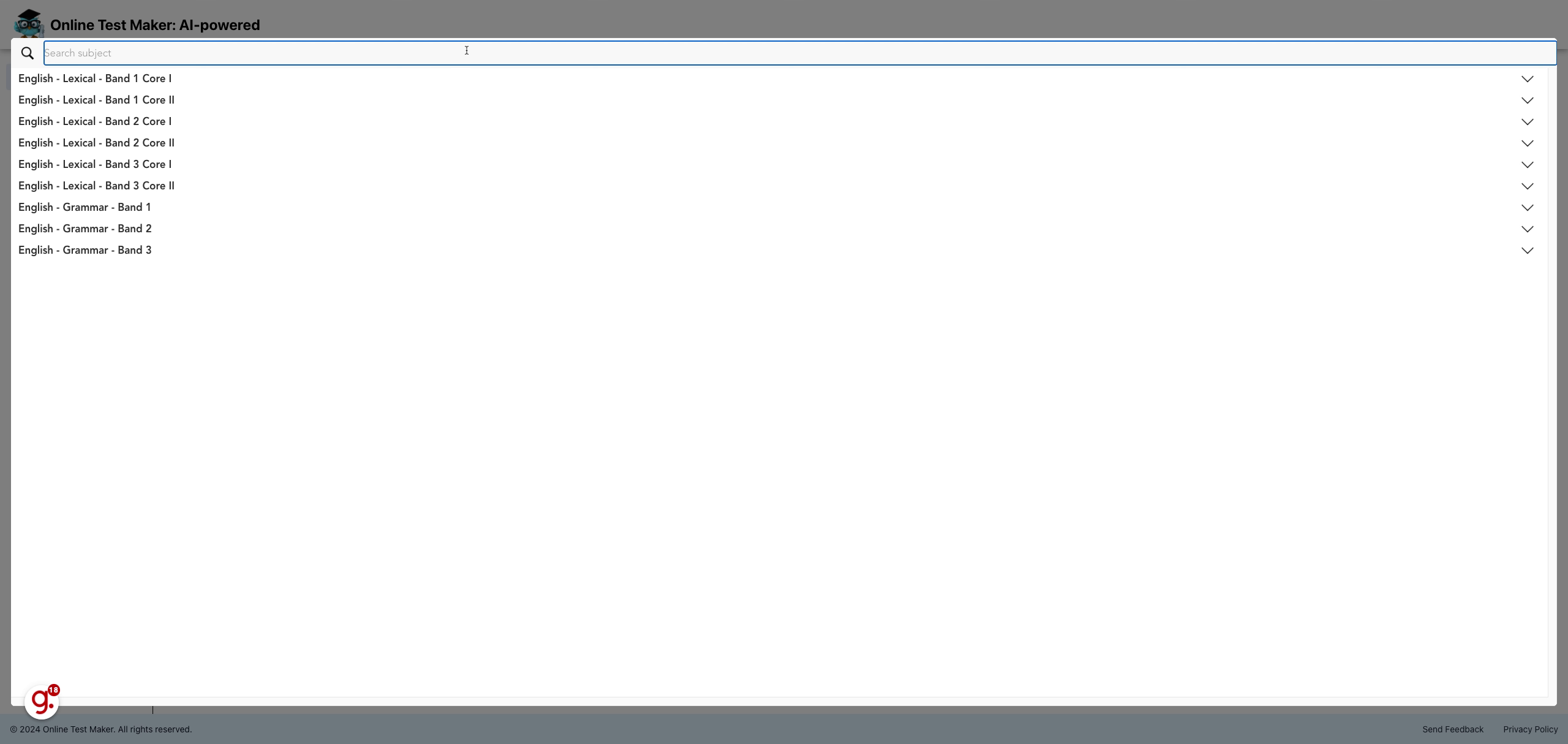
18. Choose up to 10 subjects
We chose the relevant topic. present simple.
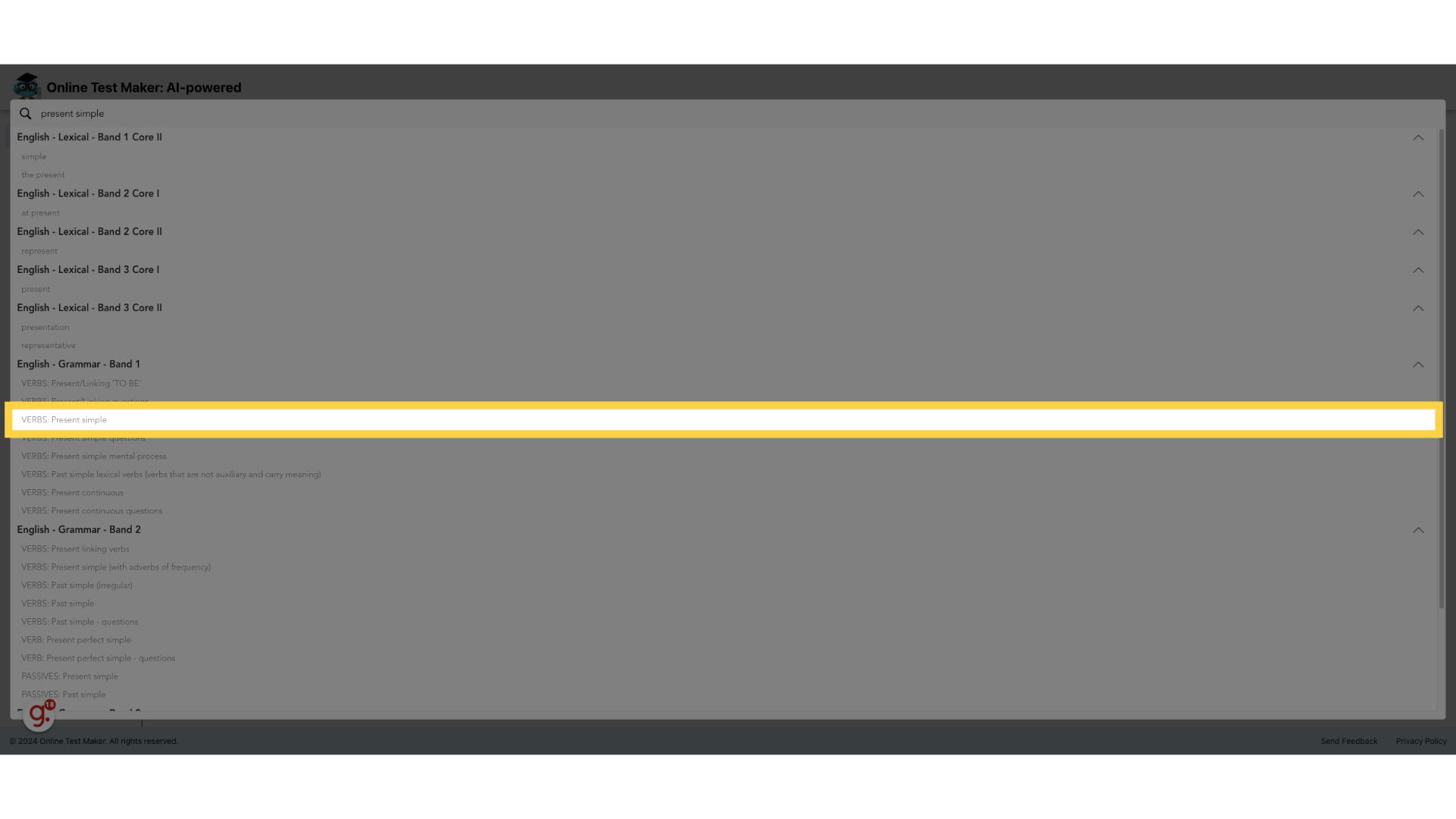
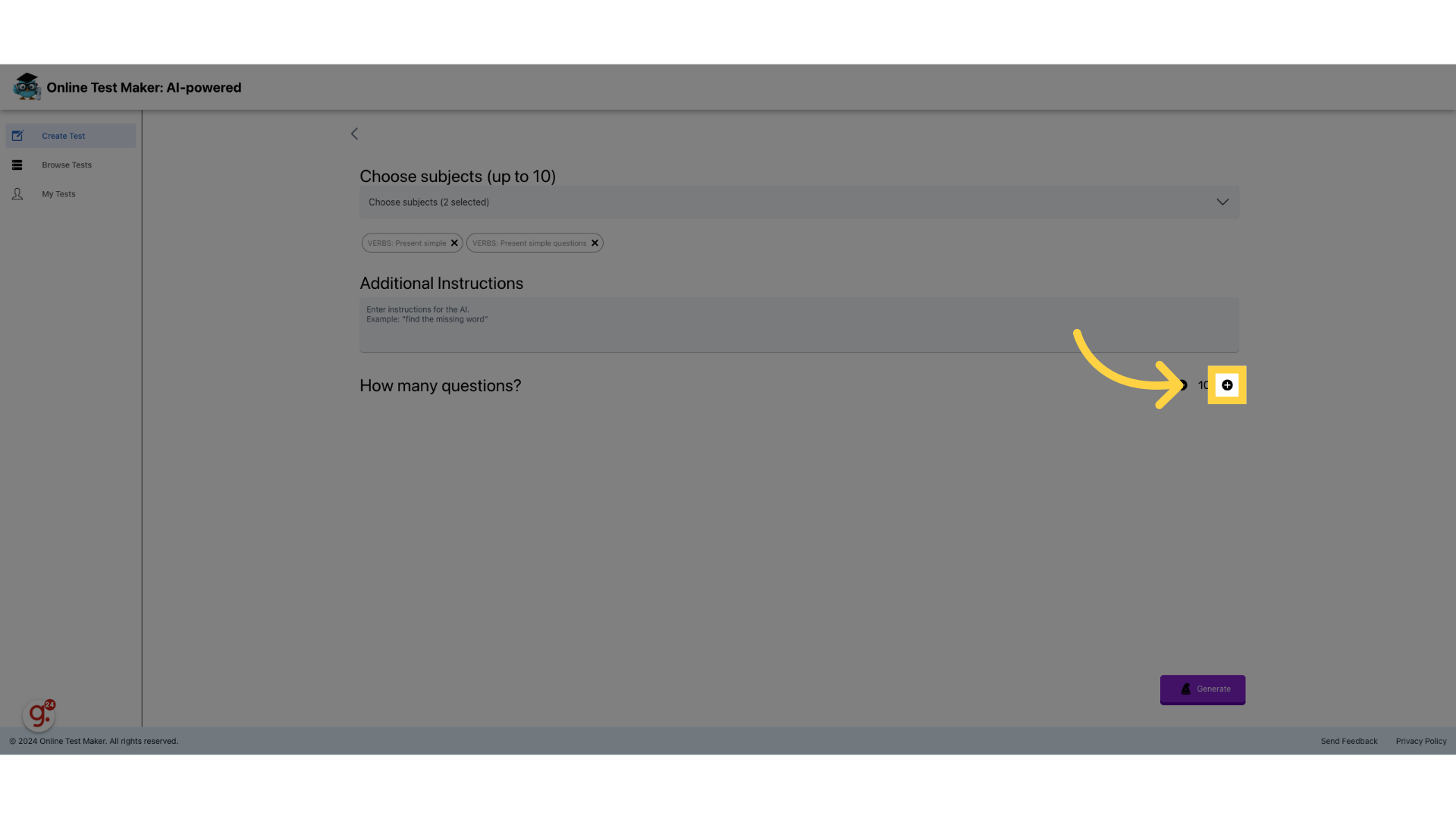
19. Click the + to increment amount
Choose the amount of questions to generate
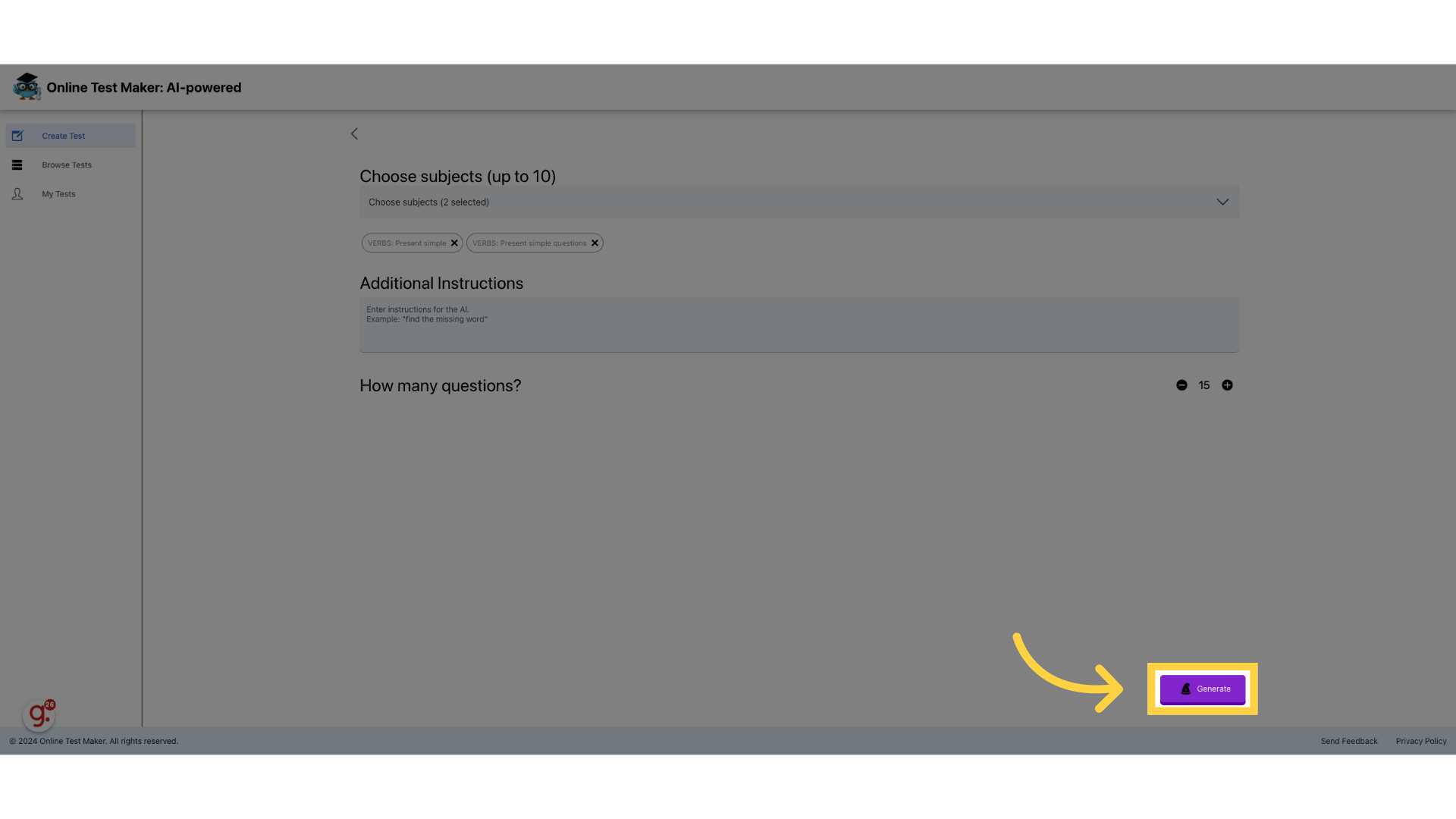
20. Press "Generate"
We are ready. Let's press generate
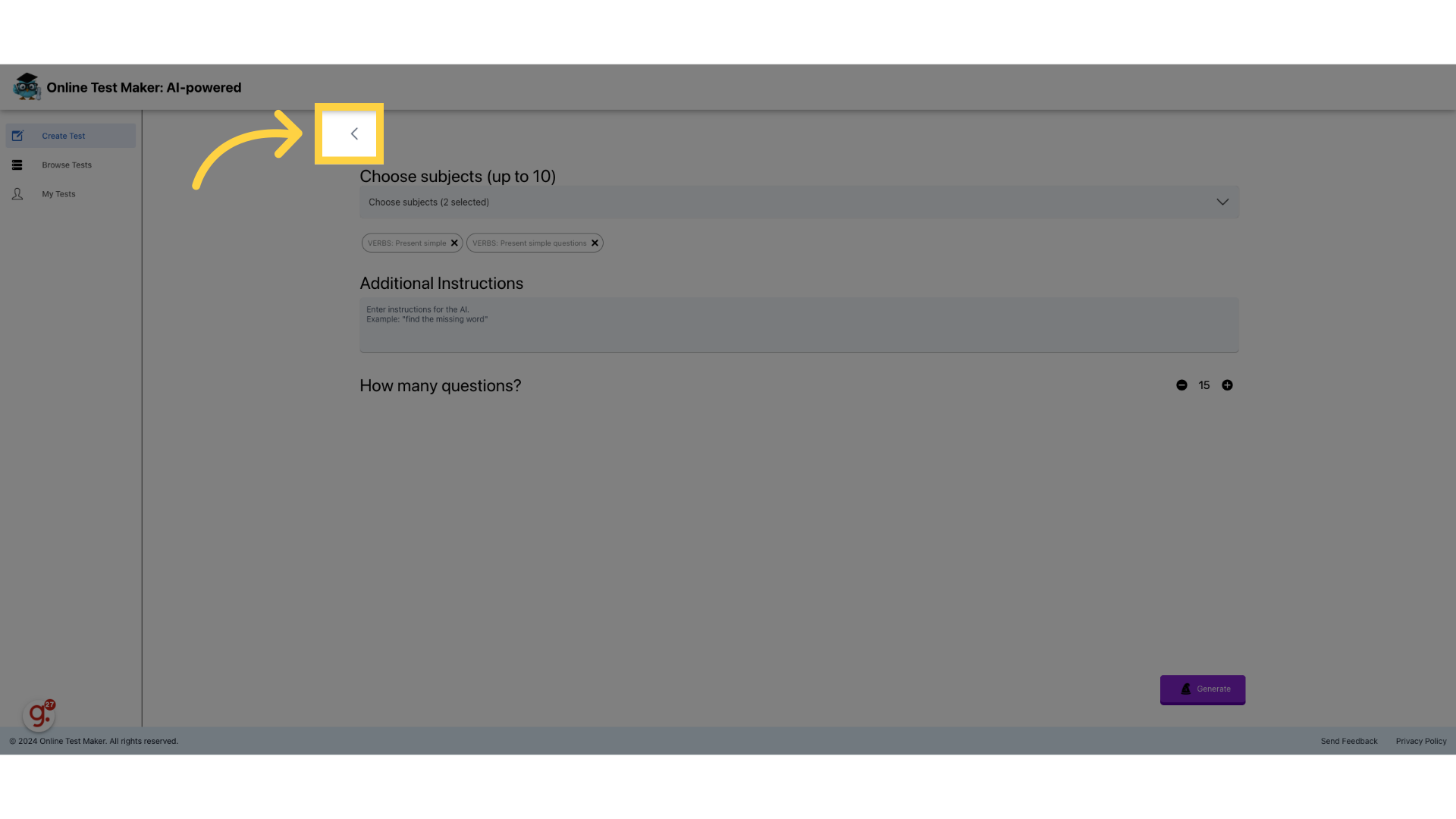
21. Click here
Go back to see the generated questions
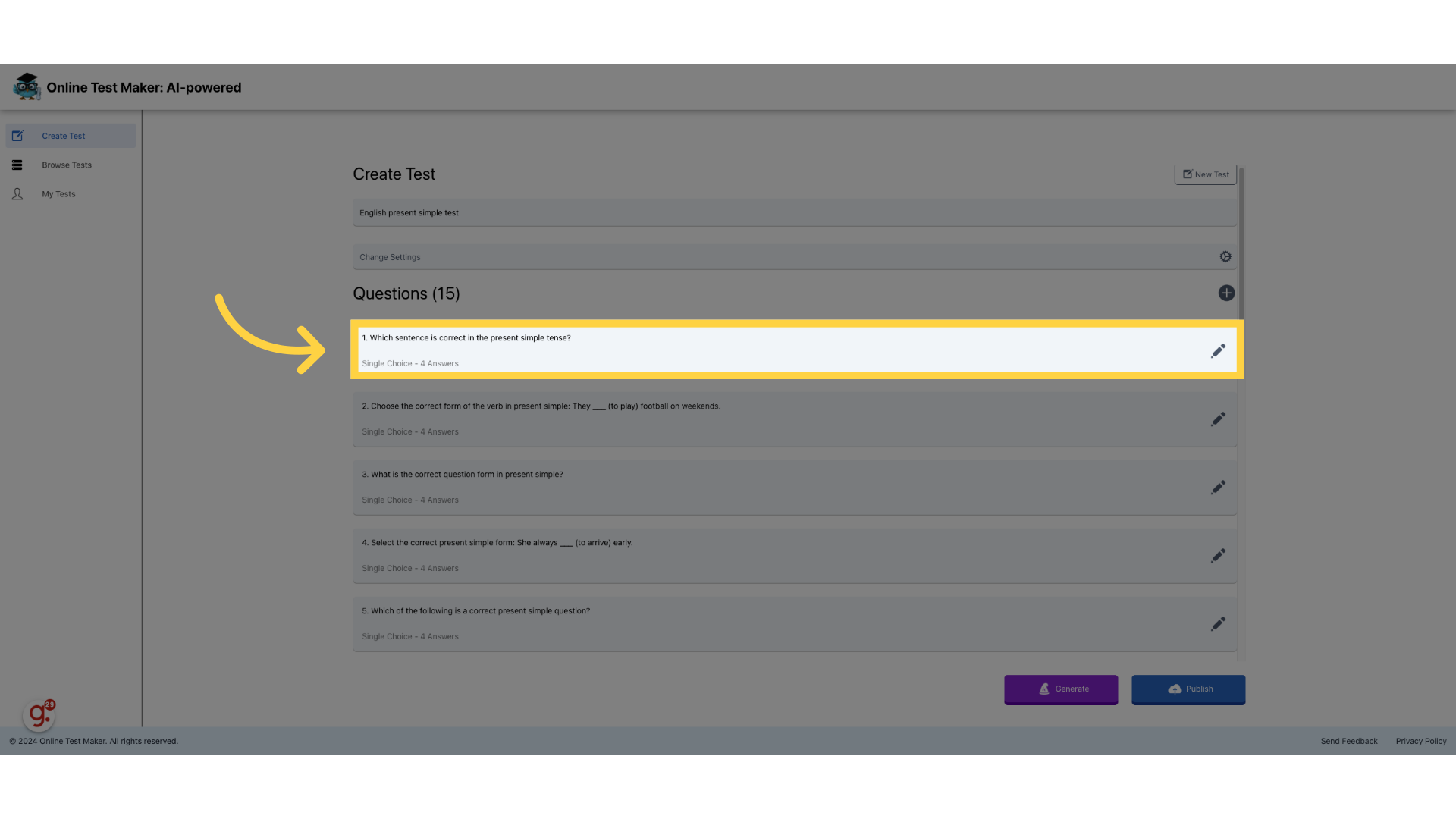
22. Click to edit questions
Now we can edit the questions that the AI generated
23. Click on answers to edit them
We can edit the question and it's answers
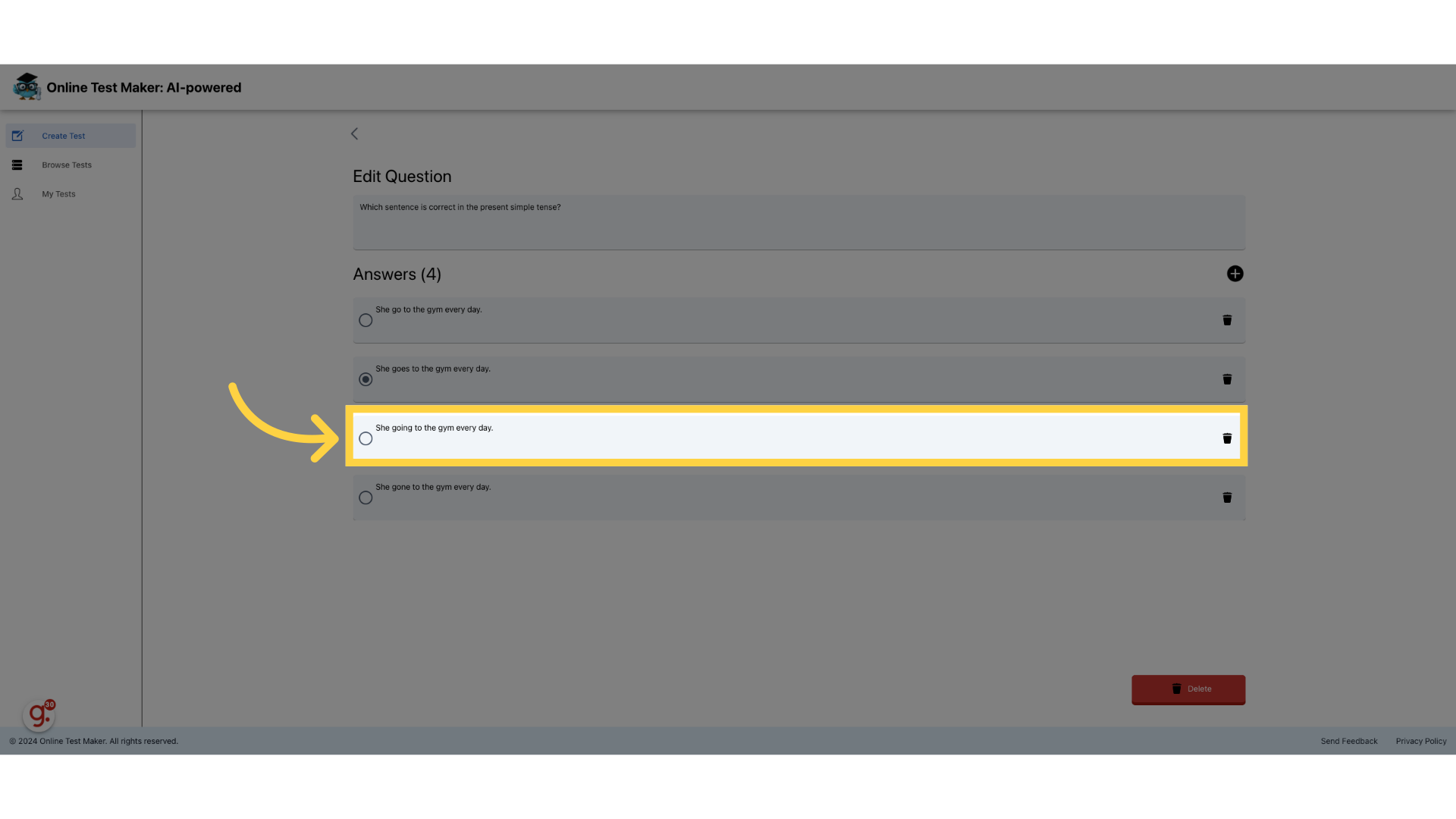
24. Fill "She went to the gym yesterday."
Now you can edit the question and the answers
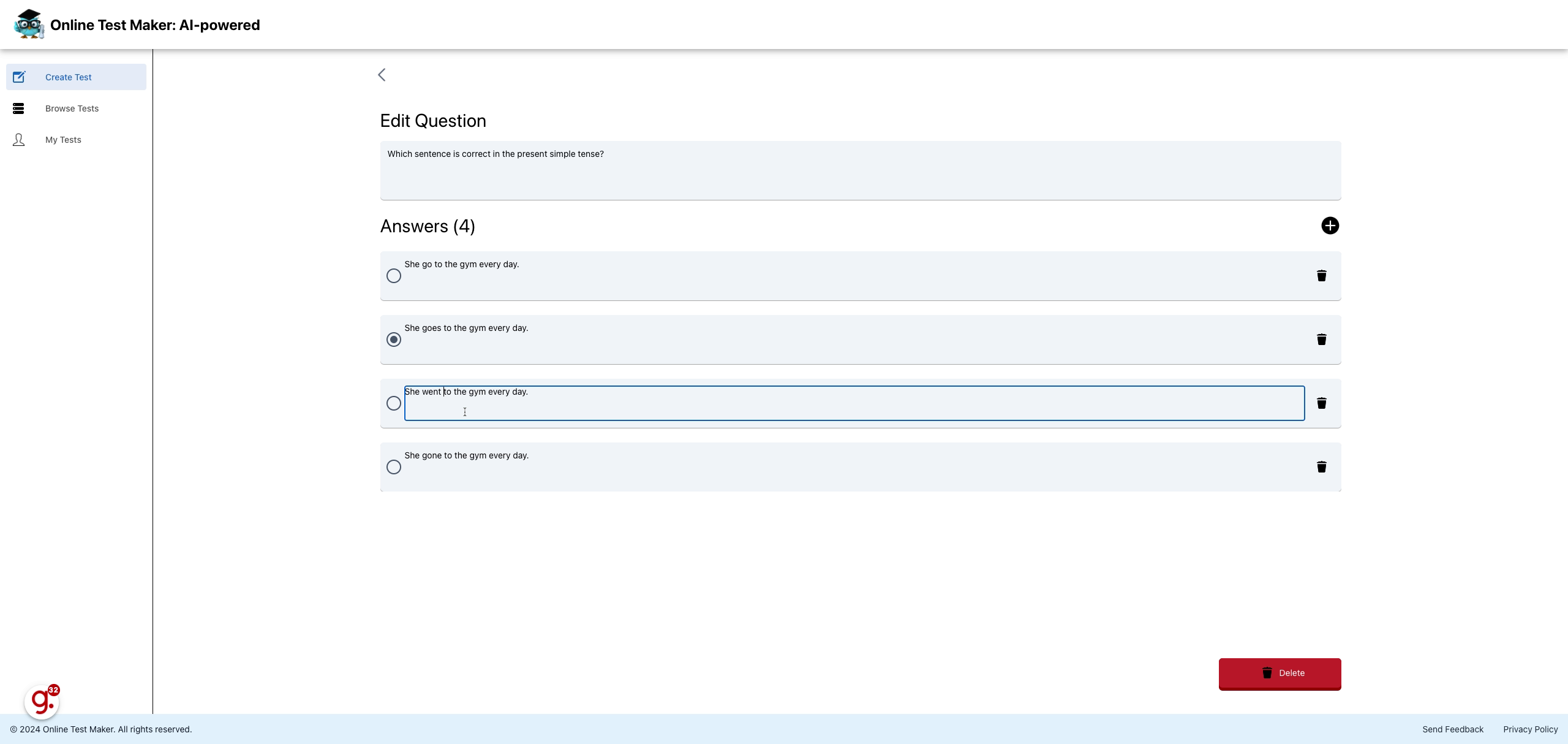
25. Delete answers
We can delete specific answers
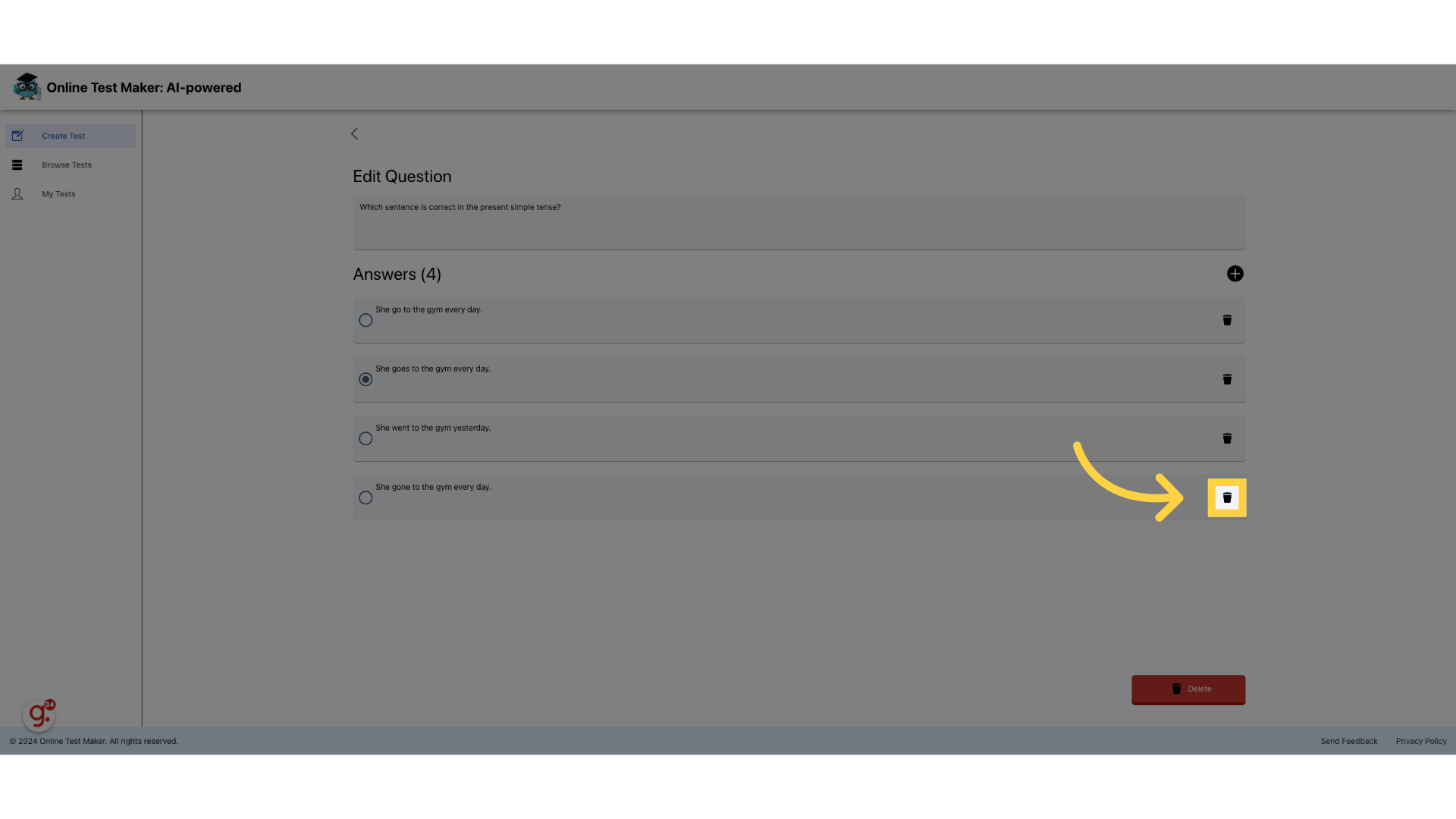
26. Add new answers
We can add new answers
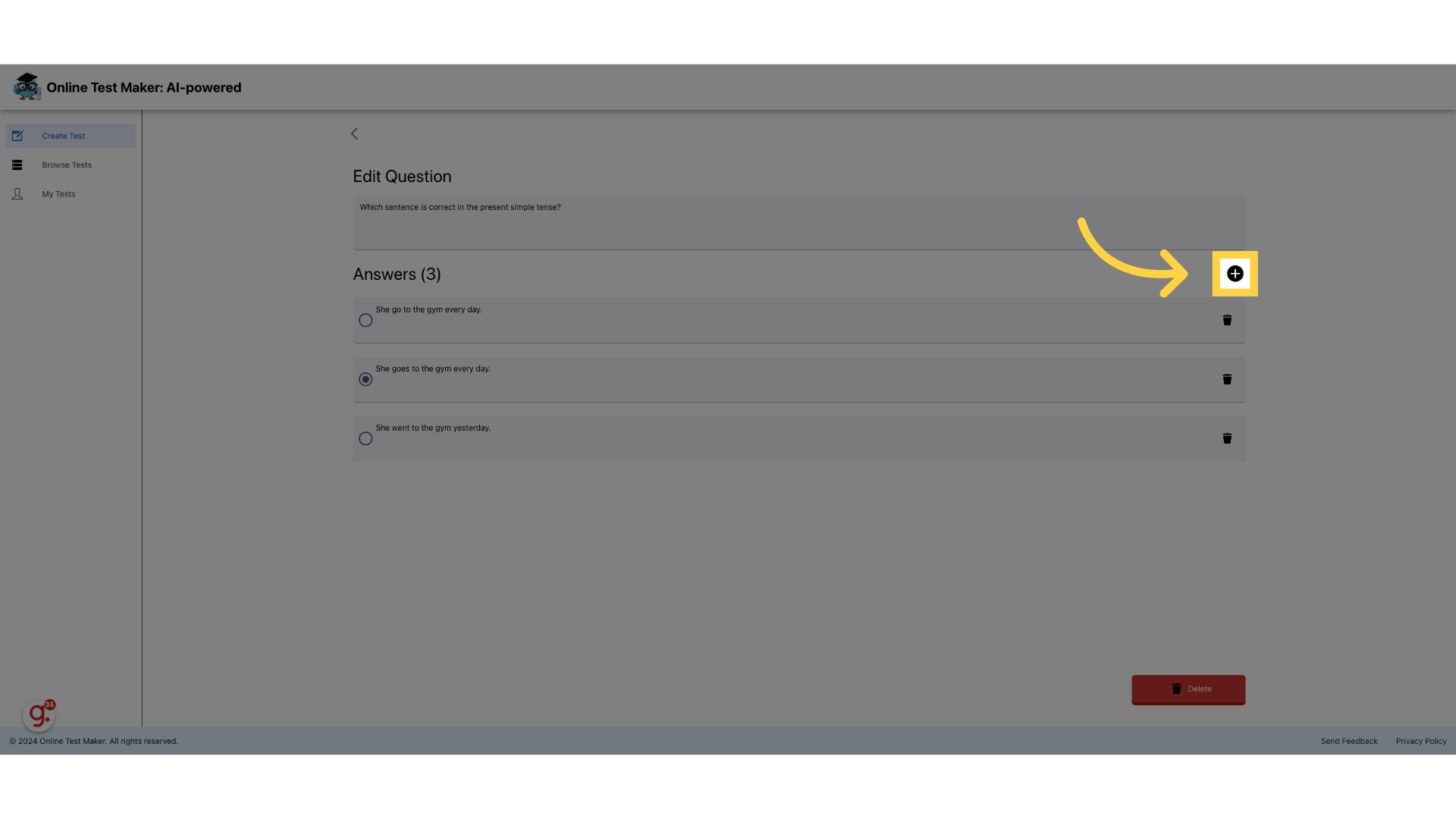
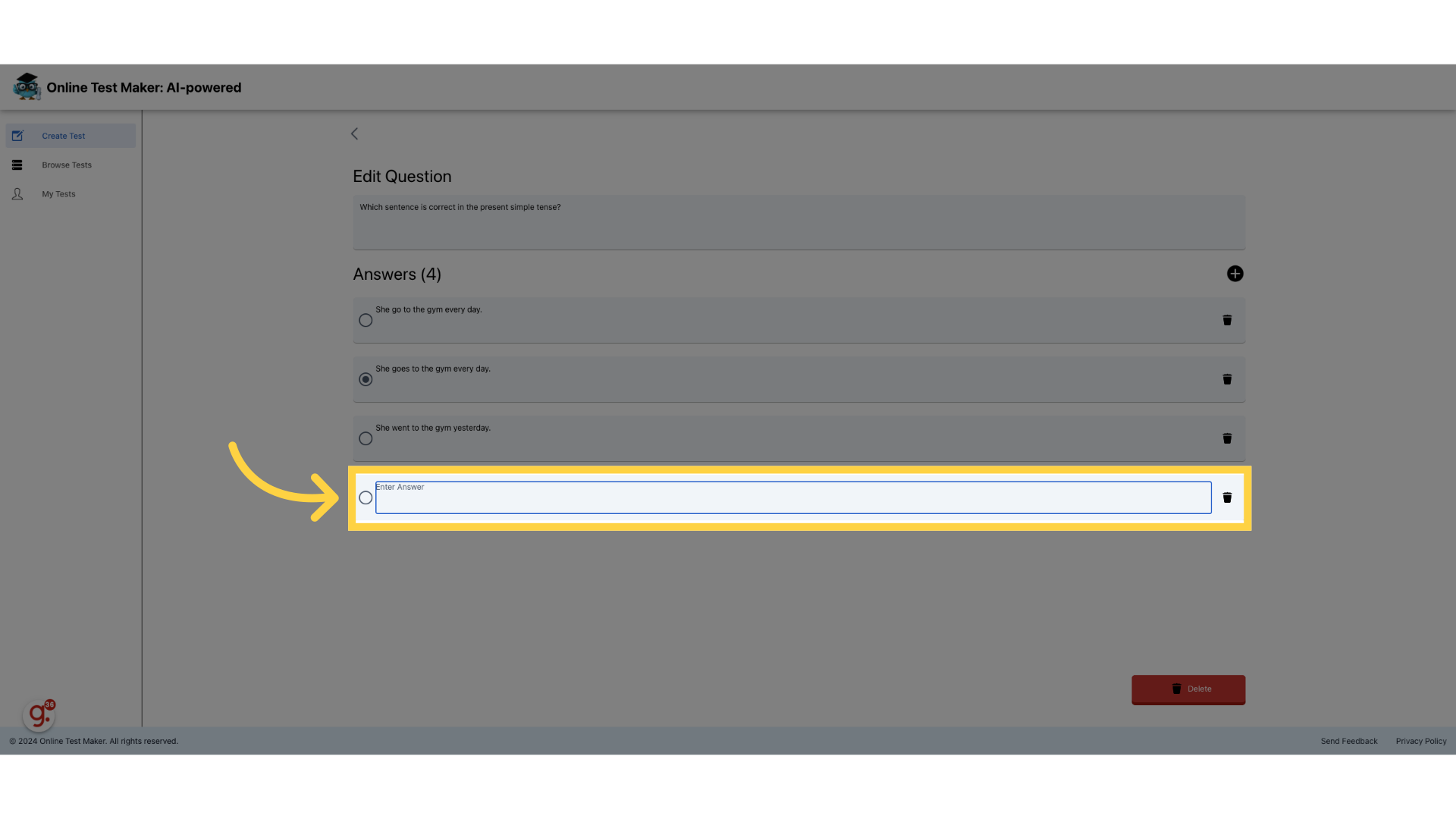
27. Click "Enter Answer"
Input the answer
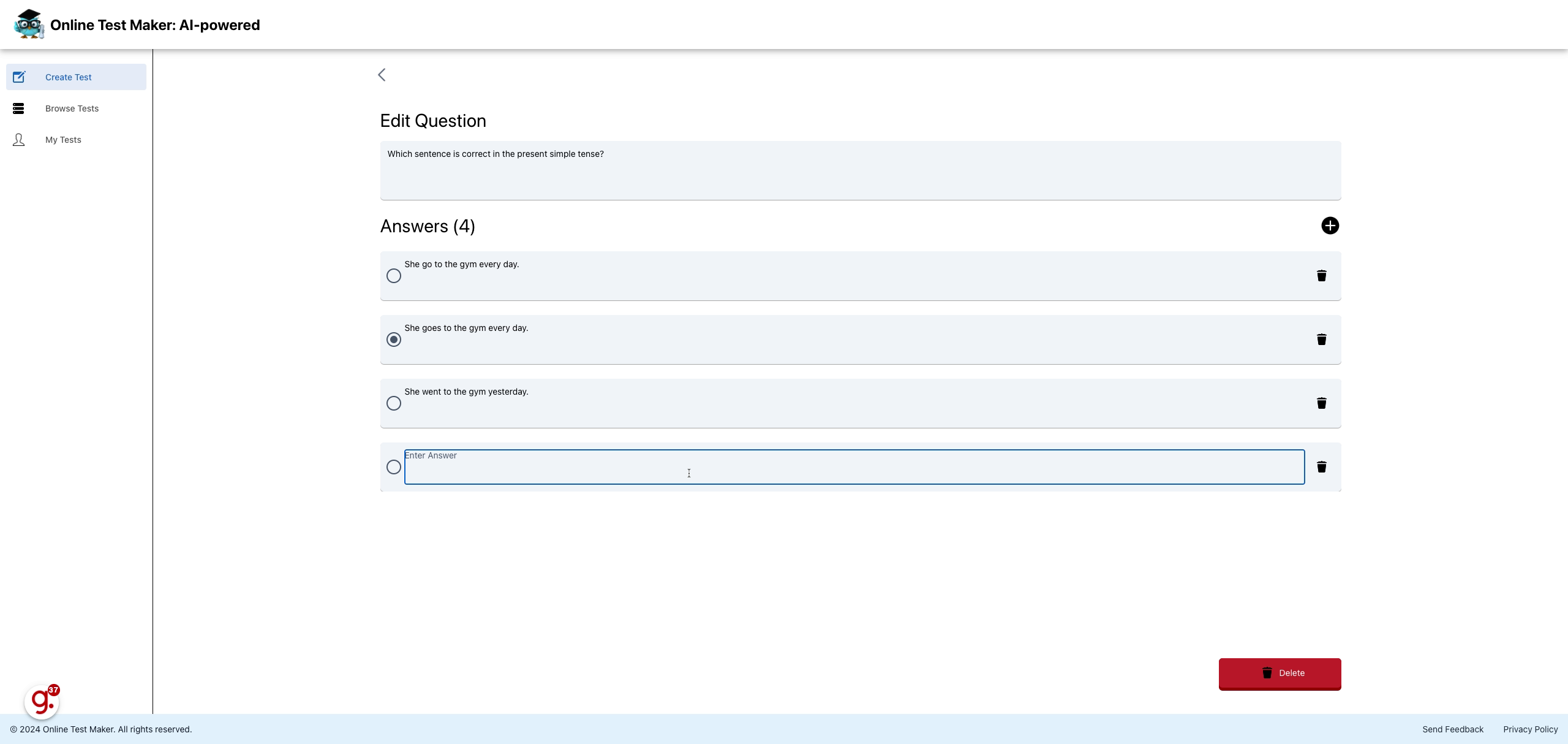
28. Fill "She was at the gym."
Input "She was at the gym." in the available field
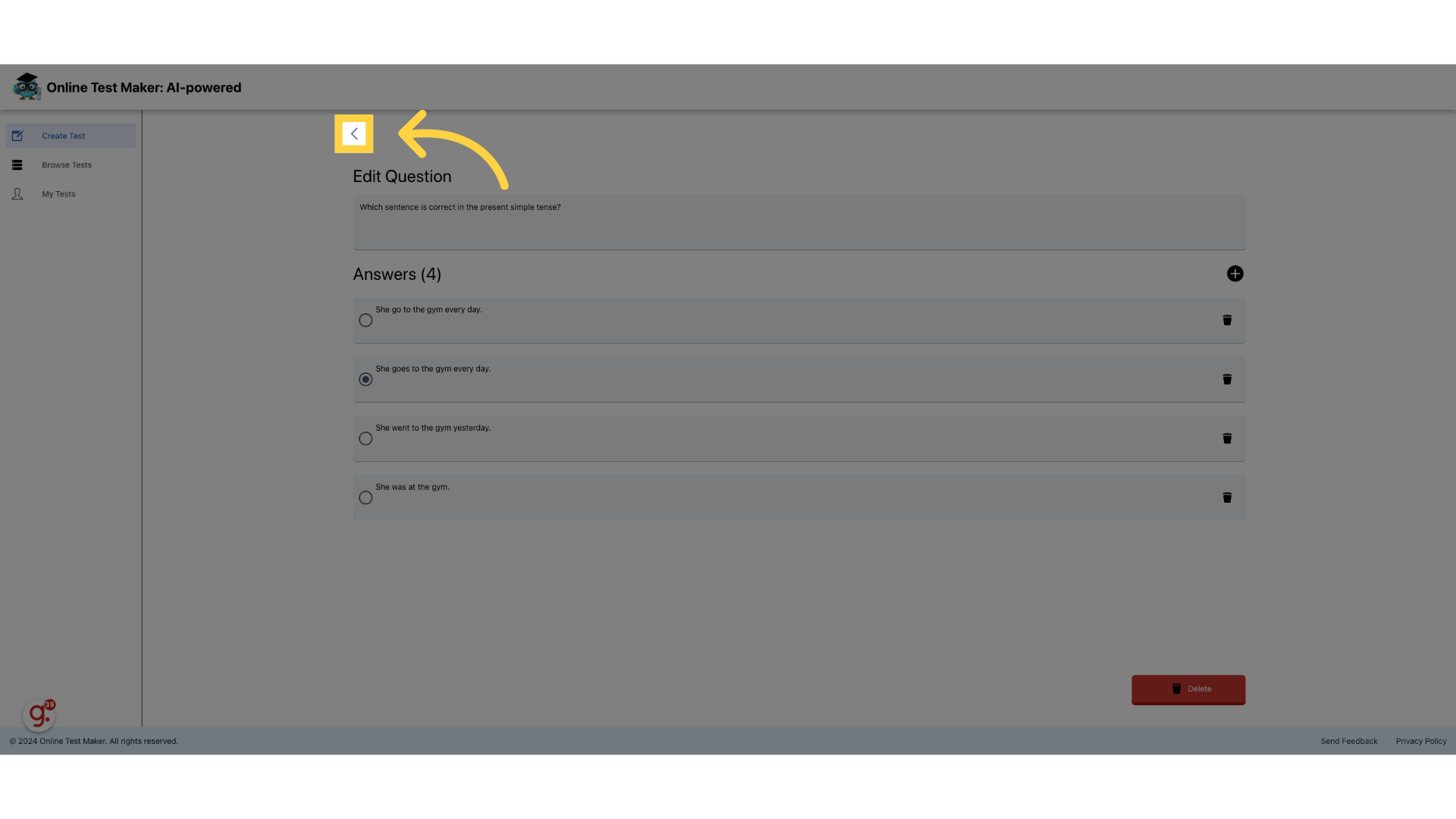
29. Click here
Let's go back and publish our test
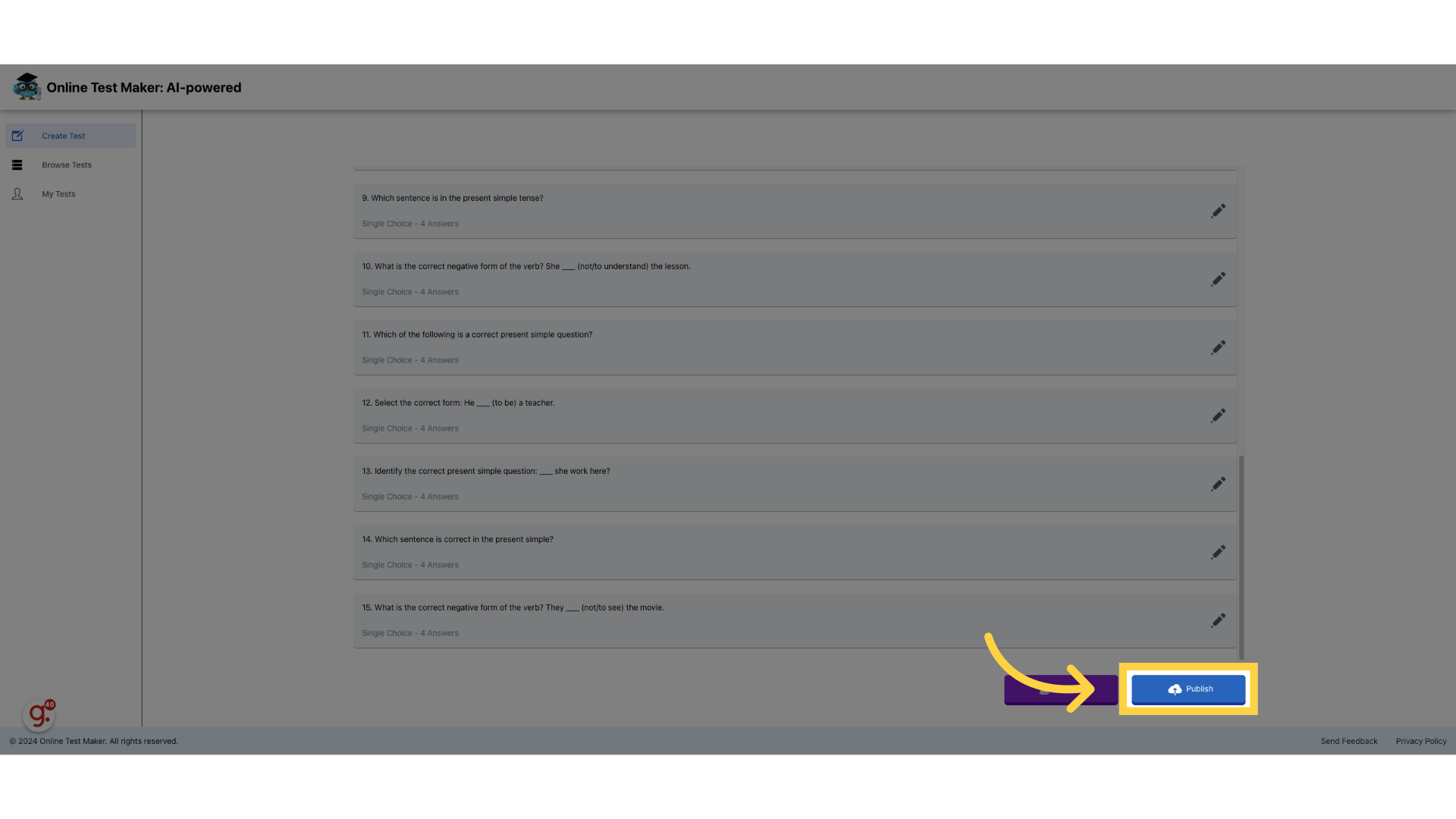
30. Press "Publish"
By pressing publish
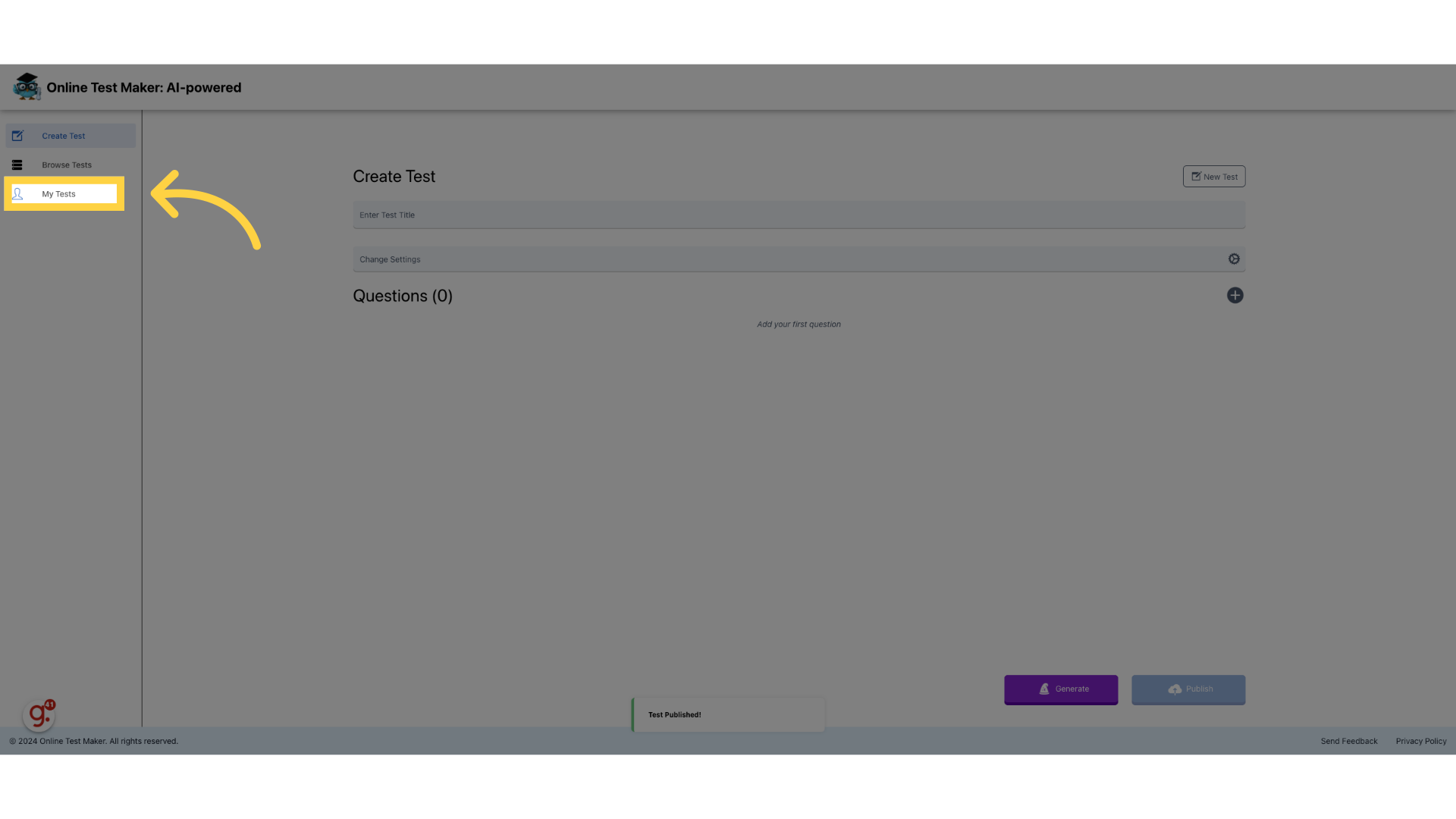
31. Click "My Tests"
Go to "My Tests"
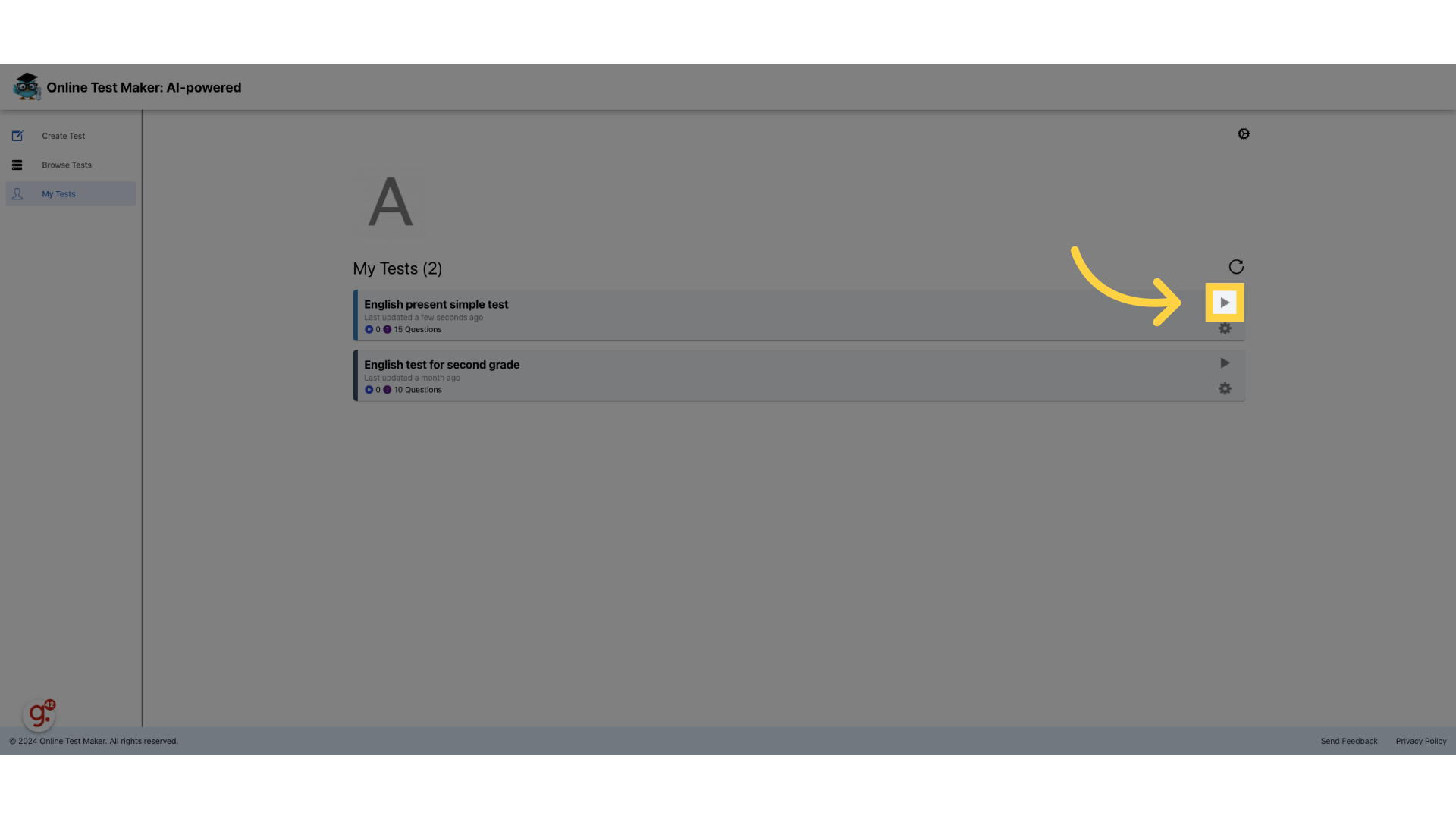
32. Click here
Press the play button to access our test
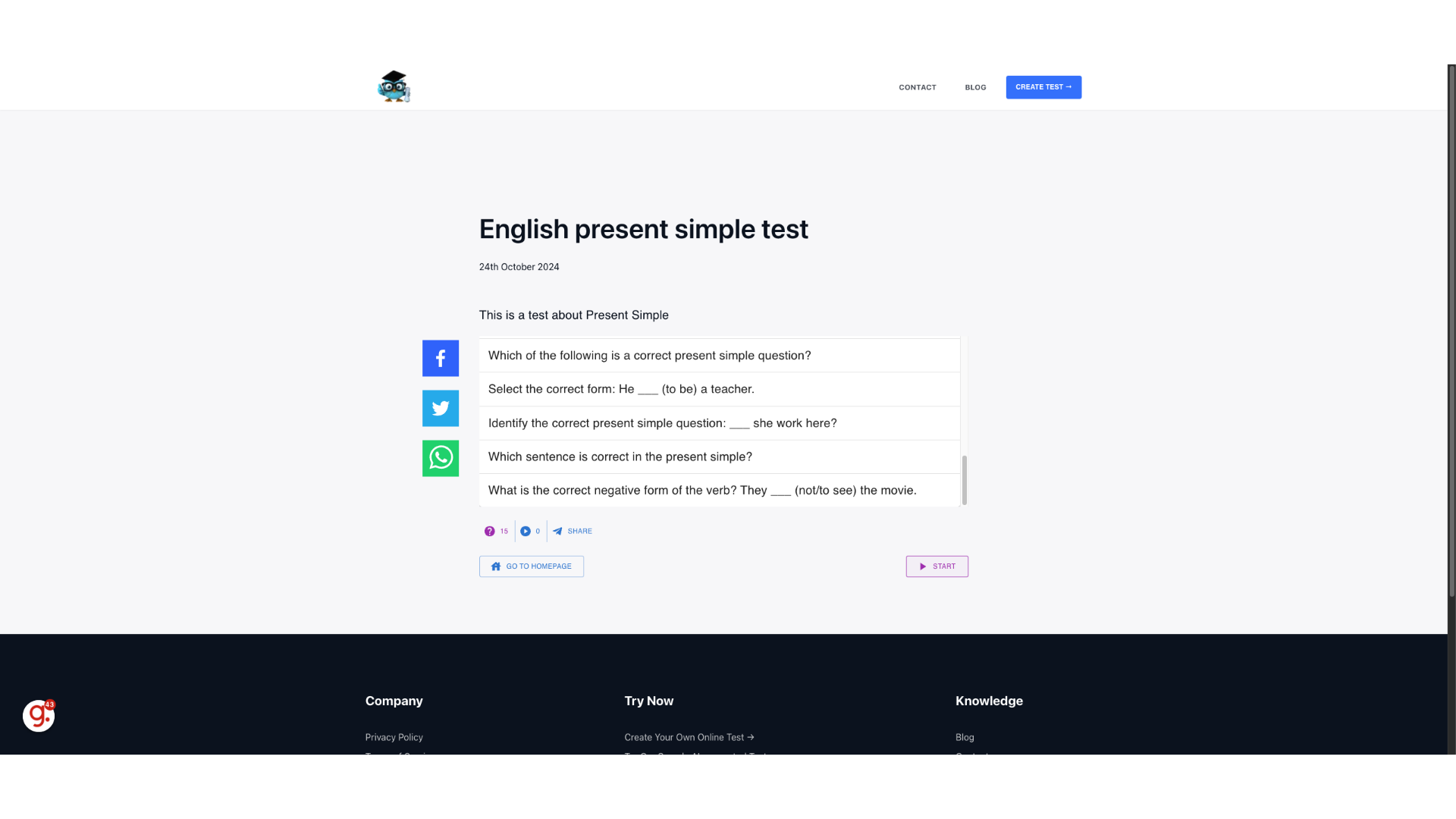
33. Click "Start"
Your test is live for everyone online. Now you simply have to share the test link with whoever you want to share it with
This guide covered the complete process of creating an online test with AI, including setting up the test details, selecting questions, and publishing the test on the Online Test Maker platform